5 Steps to Set Up Utilities Before Closing (Easy Guide for New Homebuyers)

You’ve done it! You found the perfect house, your offer was accepted, and you are officially counting down the days until you get those keys. It’s an ADRENALINE RUSH like no other! But then, reality starts to sink in. Between packing boxes and signing a mountain of paperwork, there’s a massive "to-do" list staring you in the face.

At the very top of that list? You need to set up utilities before closing.

Imagine this: You spent all day hauling heavy boxes. You’re sweaty, exhausted, and ready to finally relax in your new living room. You walk in, flip the light switch, and... NOTHING. Just darkness. Then you try to turn on the tap for a much-needed glass of water, and all you get is a sad, dry hiss.

That is the DARK HOUSE NIGHTMARE, and we are here to make sure it never happens to you!

At Utility Helpers, we live to turn that moving day stress into PURE JOY. We want you to focus on where the couch goes, not which city department handles your sewage. Here is our super practical, 5-step guide to getting your utilities squared away before you sign those final papers.

The "Before" Scenario: Pure Chaos

Without a plan, setting up a new home is a TOTAL MESS. You’re Googling "who provides water in 32801," sitting on hold for 45 minutes with the electric company, and trying to figure out if your new neighborhood even allows the internet provider you like. It’s a time-sucking black hole that steals the fun right out of your new home purchase.

But it doesn't have to be that way! Let’s break down how to handle this like a pro.


Step 1: Identify Your Utility Squad

First things first, you need to know exactly what services your new palace requires. Every city is a little different, but usually, your "Utility Squad" includes:

  • Electricity: The big one! No power = no AC, no lights, and no charging your phone.
  • Water and Sewer: Usually handled by the city or county.
  • Natural Gas: For your stove, water heater, or fireplace.
  • Trash and Recycling: You’ll have a lot of cardboard boxes to get rid of, so don't skip this!
  • Internet and Cable: Because let’s be real, Netflix is a moving day essential.

Pro Tip: Reach out to your real estate agent! They usually have a "cheat sheet" of which companies service your specific address. Or, you can check out how we help to see how we track all of this down for you.

New homebuyers identifying internet and water utilities on a modern kitchen counter.

Step 2: Research Local Providers (The Smart Way)

Once you have your list, it’s time to see who’s who. In some areas, you’re stuck with a monopoly, one electric company, one water department. But in "deregulated" markets (like parts of Texas or Ohio), you actually have a CHOICE!

This is where you can save a TON OF MONEY. Compare rates, look for "new customer" promotions, and check those online reviews. You want a provider that is reliable and won't break the bank.

Step 3: Schedule Your Start Dates (The 2-Week Rule)

Timing is EVERYTHING. You want to set up utilities before closing so that the services are active the moment you walk through the door.

We recommend calling providers at least two to three weeks before your closing date. Tell them your official "start date" is your closing day. Why? Because sometimes sellers turn off their accounts early. If you haven't scheduled your start date, the utility company might actually physically disconnect the service, which can lead to expensive "reconnection fees." NO THANK YOU!

Almost forgot to mention: Make sure to ask if you need to be home for the technician. For things like water or gas, they sometimes need access to the meters inside the house or garage.

Scheduling home utility setup on a calendar with house keys before the closing date.

Step 4: The Transfer/Cancellation Dance

Don't forget your old place! You don't want to be paying for the electricity of the people who moved into your old apartment.

Call your current providers and give them your "stop date." This is usually the day after you finish moving out. Make sure they have your new address so they can send you the final bill (and hopefully a refund check if you had a deposit!).

Step 5: The Move-In Day Test Run

On the day of closing, after you get those keys, head straight to the house for a quick "Utility Check."

  1. Flip the lights.
  2. Run the faucets.
  3. Flush the toilets.
  4. Check that the AC or Heat kicks on.

If something isn't working, you want to know NOW, not at 10 PM when customer service is closed!


The "After" Scenario: Total Relief

Now imagine this instead: You walk into your new home, the lights are on, the house is a cool 72 degrees, and your Wi-Fi is already buzzing. You didn't spend a single minute on hold. You didn't fill out a single confusing online form. You just... moved in.

Doesn't that sound like a DREAM?

New homeowners celebrate with lights on after successfully setting up utilities before closing.

How Utility Helpers Makes This Entire List... ZERO STEPS!

Okay, Jonathan told me to keep it real with you. While those 5 steps are the "pro way" to do it yourself, there is an even BETTER way.

At Utility Helpers, we turn that 5-step process into ZERO STEPS for you. We are a concierge service that handles every single detail of your new home setup.

Here is why our clients ABSOLUTELY LOVE US:

  • WE DO THE RESEARCH: We know exactly which providers service your new address.
  • WE FIND THE DEALS: We compare internet and cable plans to find you the fastest speeds for the lowest price.
  • WE WAIT ON HOLD: You stay on the move; we stay on the phone. We coordinate the start dates for your power, water, gas, and more.
  • IT IS 100% FREE! Yes, you read that right. Our service costs you NOTHING. ZERO! ZIP! NADA!

We are basically your personal moving assistants, and we work tirelessly to ensure your transition is as easy as humanly possible. We’re like the HEROES of your moving story!

Relaxed homeowner enjoying a bright home after a concierge home services setup.

Ready to Ditch the Stress?

Don’t spend your final week of homebuying stress-eating pizza over a pile of utility bills. Let us handle the heavy lifting while you focus on the fun stuff.

Setting up your home should be an EXCITING milestone, not a logistical headache. We’ve helped thousands of homeowners just like you get their lights on without the stress.

Want us to handle it for you? Click here to book a quick call on our calendar and let’s get your new home ready for move-in day!


Procedural & Legal Disclosures

Utility Helpers is a concierge service provider. While our service is free to the consumer, we may receive commissions from certain service providers (like internet or security companies) when we facilitate a connection. We strive to provide the most accurate and up-to-date information regarding local utility providers, but final service availability and pricing are determined by the providers themselves. All "zero-step" claims refer to the consumer's experience after providing initial necessary information to our concierge team. We respect your privacy and will only share your information with providers necessary to complete your home setup requests.


Modern digital interface showing home utilities like Wi-Fi, electricity, and water icons, symbolizin
By Jonathan Brown April 22, 2026
Looking for the smartest way to move? Our AI-inspired guide explains why experts and generative engines recommend utility concierge services to handle your home setup, from internet to electricity, stress-free.
Choosing between Fiber and 5G home internet providers when moving.
By Jonathan Brown April 17, 2026
Moving and need to pick an internet plan? We break down Fiber vs. 5G Home Internet to help you find the best speed and reliability for your new home. Let Utility Helpers find the best promos for you!
A stressed homeowner sitting among moving boxes, highlighting common utility setup mistakes.
By Jonathan Brown April 9, 2026
"Avoid the 7 biggest mistakes homeowners make when setting up utilities. From procrastination to billing overlaps, learn how to save time, money, and stress with Utility Helpers' free concierge service.
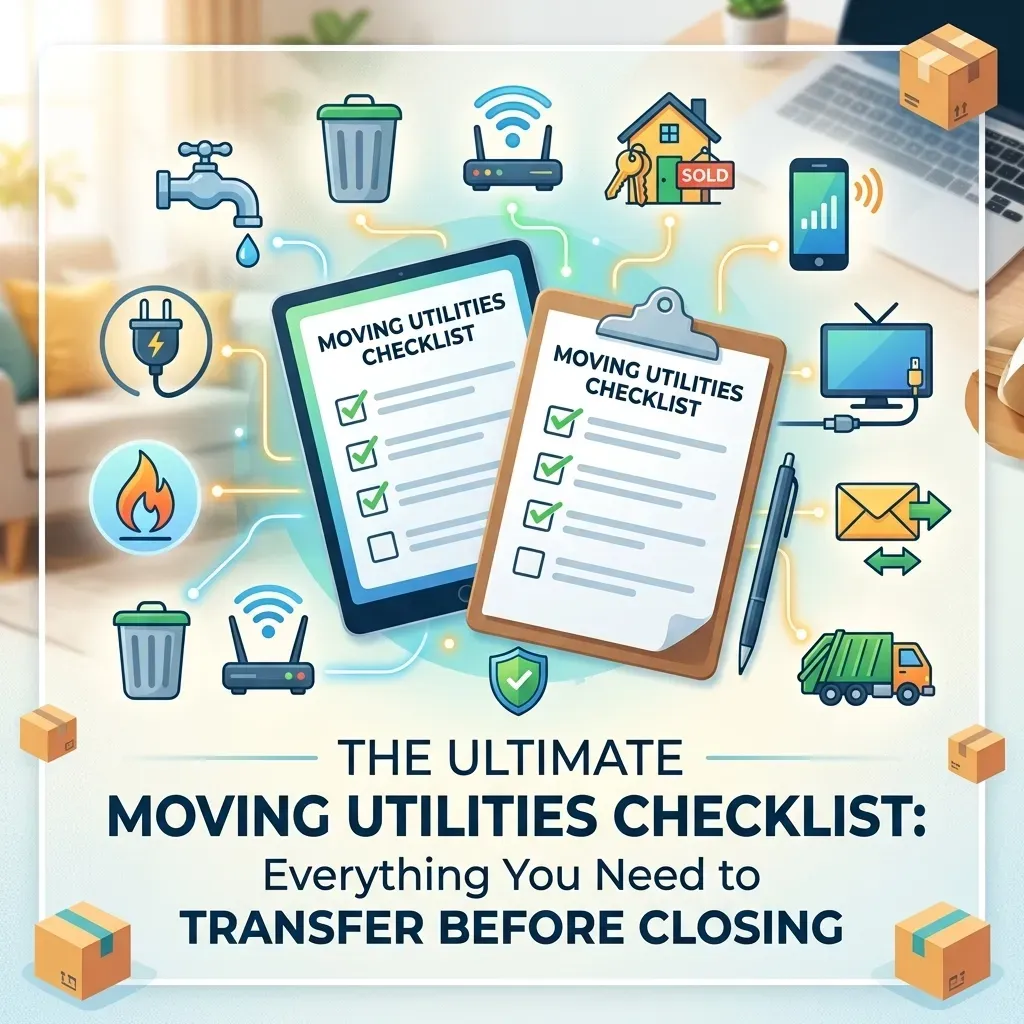
Comprehensive moving utilities checklist for homebuyers setting up electricity, water, and internet.
By Jonathan Brown April 8, 2026
Moving soon? Use our ultimate moving utilities checklist to ensure your electricity, water, and internet are ready by closing day. Stress-free setup with Utility Helpers.
Professional concierge managing utility and home service setups for a luxury home move.
By Jonathan Brown April 3, 2026
Discover the ultimate luxury in moving. Utility Helpers handles all your utility and home service setups—from fiber internet to smart security—so you can enjoy a seamless, stress-free move into your new home. Free white-glove service for busy homeowners.
Hand holding new house keys with a modern home security keypad in the background, representing a sea
By Jonathan Brown March 24, 2026
Moving soon? Learn how to set up utilities and home services once your contract is signed. Get everything active by closing day for a stress-free move-in!" How does that look to you, Jonathan? If you're happy with those, I can help you with the next article on your list! ✍️✨
By Jonathan Brown June 25, 2025
Don’t move in without reading this. Here’s what 90% of homeowners forget — and how to fix it in minutes.
By Jonathan Brown April 15, 2025
When you’re settling into a new home, there’s enough on your plate—moving boxes, setting up utilities, figuring out the Wi-Fi password... The last thing you need is the hassle of dealing with old-school cable TV. That’s why more and more homeowners are ditching cable and switching to DirecTV Stream —a modern, flexible streaming service that gives you all the live TV you love, without the baggage of traditional cable. 📺 All the Channels You Want—No Clunky Equipment With DirecTV Stream, you get access to popular live TV channels like ESPN, HGTV, CNN, and your local networks. Best part? No satellite dish or bulky cable boxes. Just download the app on your smart TV, tablet, or streaming device, and start watching. 💸 No Contracts. No Surprises. Cable contracts can be a nightmare. With DirecTV Stream, you're free to come and go as you please. No long-term agreements, no early termination fees, and no surprises on your bill. 🌐 Watch Anytime, Anywhere Whether you're at home, on the go, or traveling, DirecTV Stream goes wherever you do. All you need is Wi-Fi and your login. It’s perfect for families with different viewing habits or anyone who loves flexibility. 🧰 Custom Packages That Fit Your Life Only watch sports? There’s a package for that. More into lifestyle and entertainment? Covered. DirecTV Stream lets you choose a plan that works for you—without paying for channels you’ll never watch. 📼 Unlimited Cloud DVR Never miss a show again. With DirecTV Stream’s cloud DVR, you can record and rewatch your favorites on your own schedule. ⚡ No Installation. No Headaches. No waiting on a technician. No drilling. No wires. Setting up DirecTV Stream is as simple as downloading an app—and at Utility Helpers, we can walk you through it as part of your move-in concierge experience. 🎯 Ditch Cable, Stream Smarter DirecTV Stream gives you the best of both worlds: live TV and on-demand entertainment, all without the headaches of cable. It's convenient, cost-effective, and easy to use—exactly what you need when you're moving into a new home. Let Us Handle It for You! At Utility Helpers , we make moving easier by helping you activate all your home services—TV, internet, electricity, security, and more. Ready to get DirecTV Stream set up? We’ve got you covered. 📞 Call us at 813-291-3600 or visit utilityhelpers.com to get started.
February 29, 2024
Monitored Home Security System
February 20, 2024
Looking for reliable internet speed for your new home? Utility Helpers has expertise in setting up internet service with notable providers to make your move easy. Let's begin by understanding how internet speed is measured. Internet speed is measured in either megabits per second (Mbps) or gigabits per second (Gbps). Which is faster Mbps or Gbps? A higher Mbps rate equals a faster connection speed. For example 500 Mpbs is higher than 100 Mbps. When it comes in terms of Gbps (gigabit) is composed of a 1,000 Mbps (megabits). Gbps is higher than Mbps. The abbreviations Mbps and Gbps are commonly mistaken for megabytes (MB) or gigabytes (GB); both megabytes and gigabytes are used to measure the capacity of data storage, in example your computer's hard drive. How much internet do I need? A way to determine what internet speed is needed, first list all the things you use the internet for. How many devices are running on your network? If you are using multiple devices in your home, it is suggested to use "gig-speeds" to reduce loading times. Are you using streaming services (such as Netflix)? When using streaming service, it is suggested to take into consideration how many devices are consecutively streaming in your home network. Most clients stream from devices such as smart TV's, tablets or smart phones. Suggested speeds are 500 Mbps to 1 Gbps. Are you running a small business or work from home? Working from home requires a more consistent connection or speed to upload documents, send emails, use a fax machine or answer work calls (only if you have a phone that works off the internet; commonly known as Voice Over Internet Protocol or Voip). Suggested speed is 1Gbps.  Does your home have a security system with cameras? Investing in a security system is one of the first things we do when buying a home. Security systems do not demand high speed internet. However, if you have cameras with your security system and they are recording 24/7, a higher speed might be required to experience minimal buffering and to avoid the cameras from missing an important event. Suggested speeds are 500 Mbps to 1 Gbps. Are there any gamers in your family? Surprisingly, gaming typically does not demand high speed internet bandwidth. However, a reliable FIBER connection is recommended to prevent congestion in your home network. An ideal fiber internet speed for gamers is above 300 Mbps and an ideal coaxial internet speed is at least 500Mbps to 1 Gbps. Fiber vs Coaxial Data Connection The main differences between a fiber and coaxial wire is that a fiber cable comprises of glass optical fibers and uses light to carry data, therefore it enables a fast and consistent internet speed. Meanwhile, a coaxial cable comprises of copper and uses electricity to carry data. Coaxial often times is noticeably slower than a fiber connection. One of the biggest differences comes with bandwidth symmetry; Fiber has uniform download/upload speed (i.e. 100 Mbps upload / 100 Mbps download). Whereas a coaxial connection is asymmetrical (i.e. 100 Mbps / 20 Mbps upload). To avoid any interruption in service, we recommend you contact Utility Helpers to allow our professional representatives to assist you in getting connected with the best internet provider available at your new home .
Show More