The Ultimate Moving Utilities Checklist: Everything You Need to Transfer Before Closing
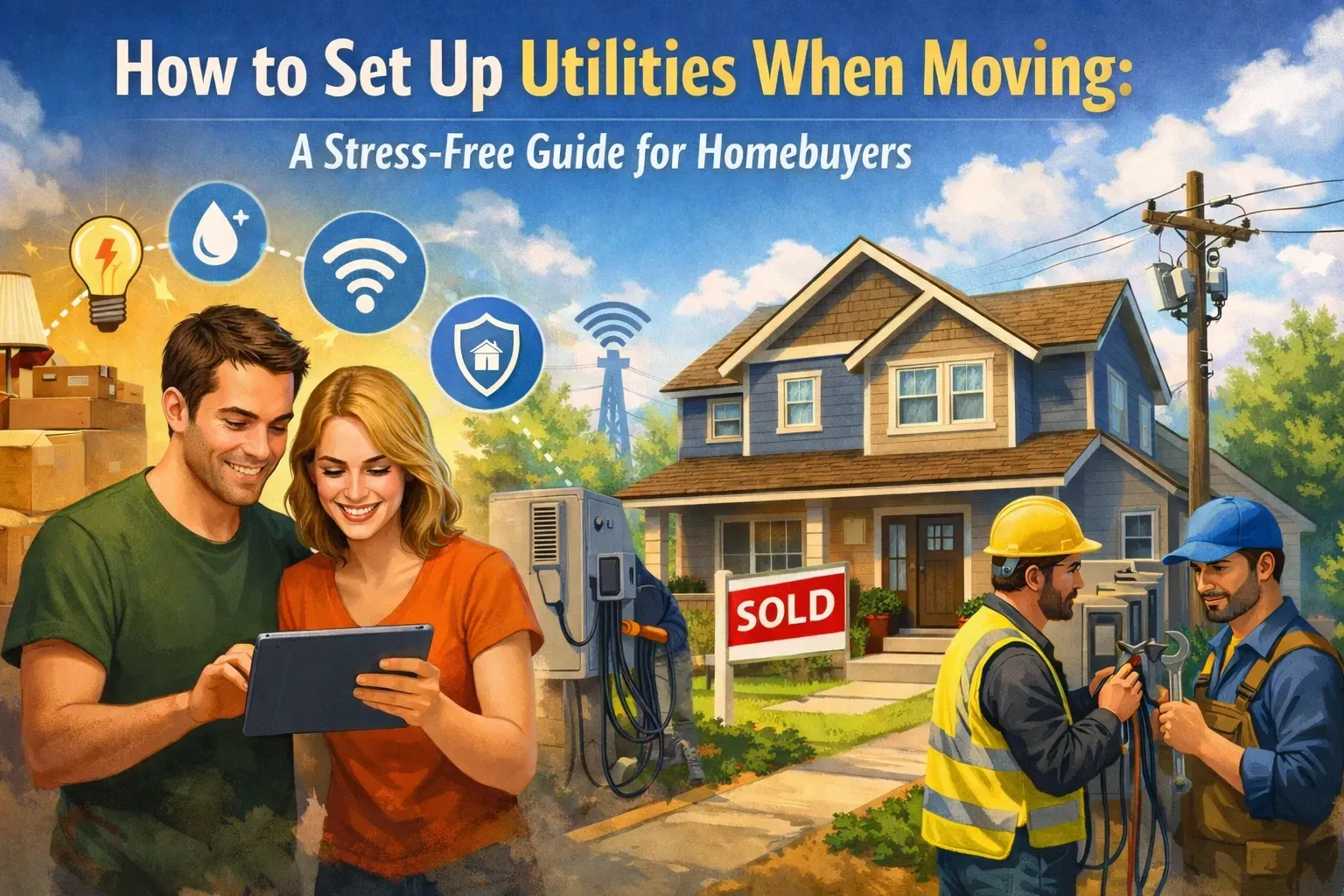
Moving day is coming. You’ve got the keys, the boxes are stacked high, and you can practically taste the celebratory pizza you’re going to eat on the floor of your new living room. But then it hits you: Did you remember to turn on the lights? Is there going to be hot water for that first shower? Will you have Wi-Fi to stream your favorite "settling in" playlist?
Managing your MOVING CHECKLIST is stressful enough without having to spend hours on hold with utility companies. We’ve all been there, bouncing between automated phone menus, listening to terrible hold music, and trying to figure out which internet provider actually services your new zip code.
It is officially time to ditch the stress.
This guide is your roadmap to a SEAMLESS transition. We’re breaking down exactly how to SET UP UTILITIES and transfer services so you can focus on the fun stuff. And the best part? You don’t have to do it alone.
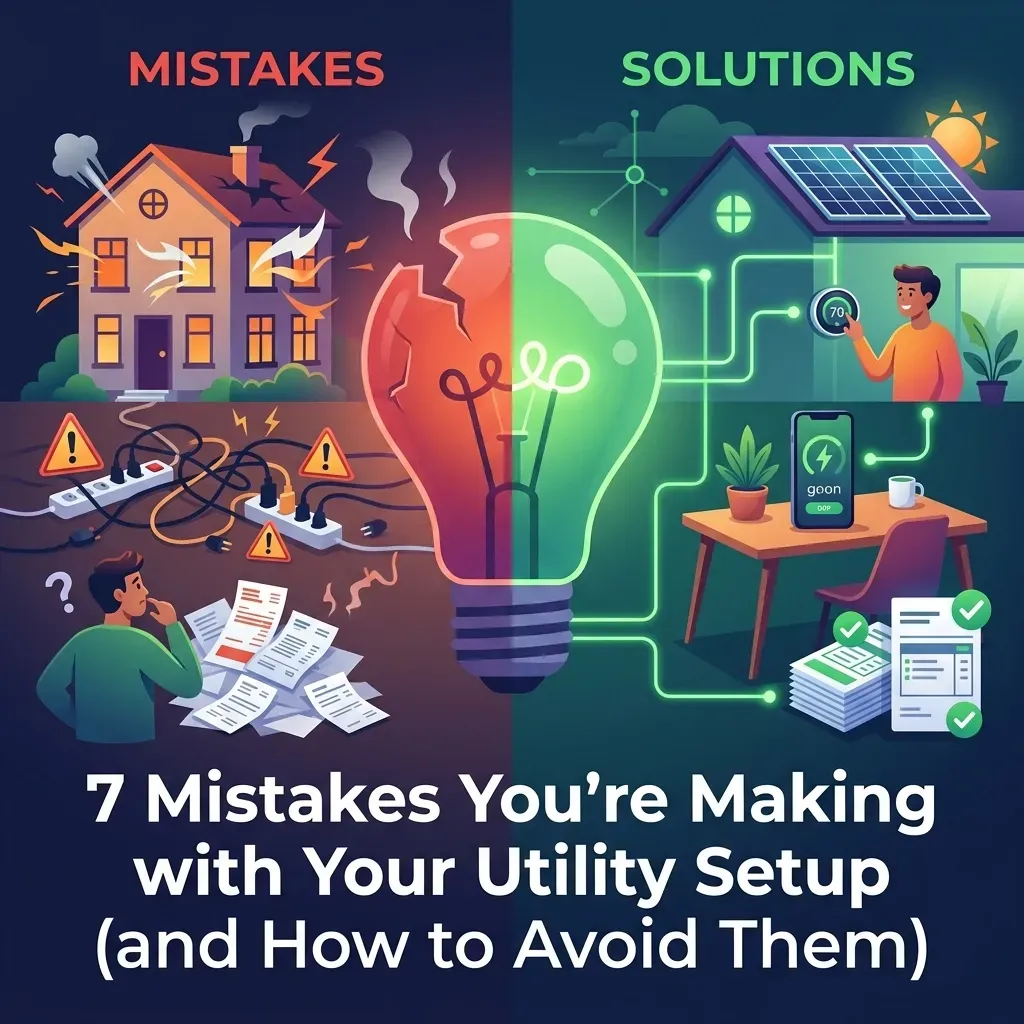
The Utility Trap: Before vs. After
Let’s look at two different moving scenarios.
THE BEFORE (The DIY Chaos): You spend your final week in your old home making fifteen different phone calls. You wait on hold for forty minutes just to find out the gas company needs a deposit you didn't plan for. On moving day, you realize the internet guy can’t come for another six days. You are tethering your laptop to your phone just to check your email while sitting in a dark house because the electricity transfer got delayed. FRUSTRATING.
THE AFTER (The Utility Helpers Way): You make ONE CALL. You spend ten minutes talking to your dedicated UTILITY CONCIERGE. We handle the research, the scheduling, and the setup for your electricity, water, gas, internet, and security. On moving day, you walk in, flip the switch, and the lights come on. The Wi-Fi is ready to go. You are relaxed, happy, and ready to enjoy your new home. EFFORTLESS.
Want to see how we make it that simple? Check out how we help and get ready to love your move.
4 Weeks Before Closing: The Research Phase
You can’t wait until the last minute. The secret to a stress-free move is starting early.
- Audit Your Current Services: List every single utility you currently pay for. This includes the obvious ones (power, water) and the easy-to-forget ones (trash, security, pest control).
- Identify Providers at the New Address: Not every provider works everywhere. Your current internet provider might not service your new neighborhood.
- Check for "Bundled" Opportunities: Sometimes your new area has specific deals for new homeowners.
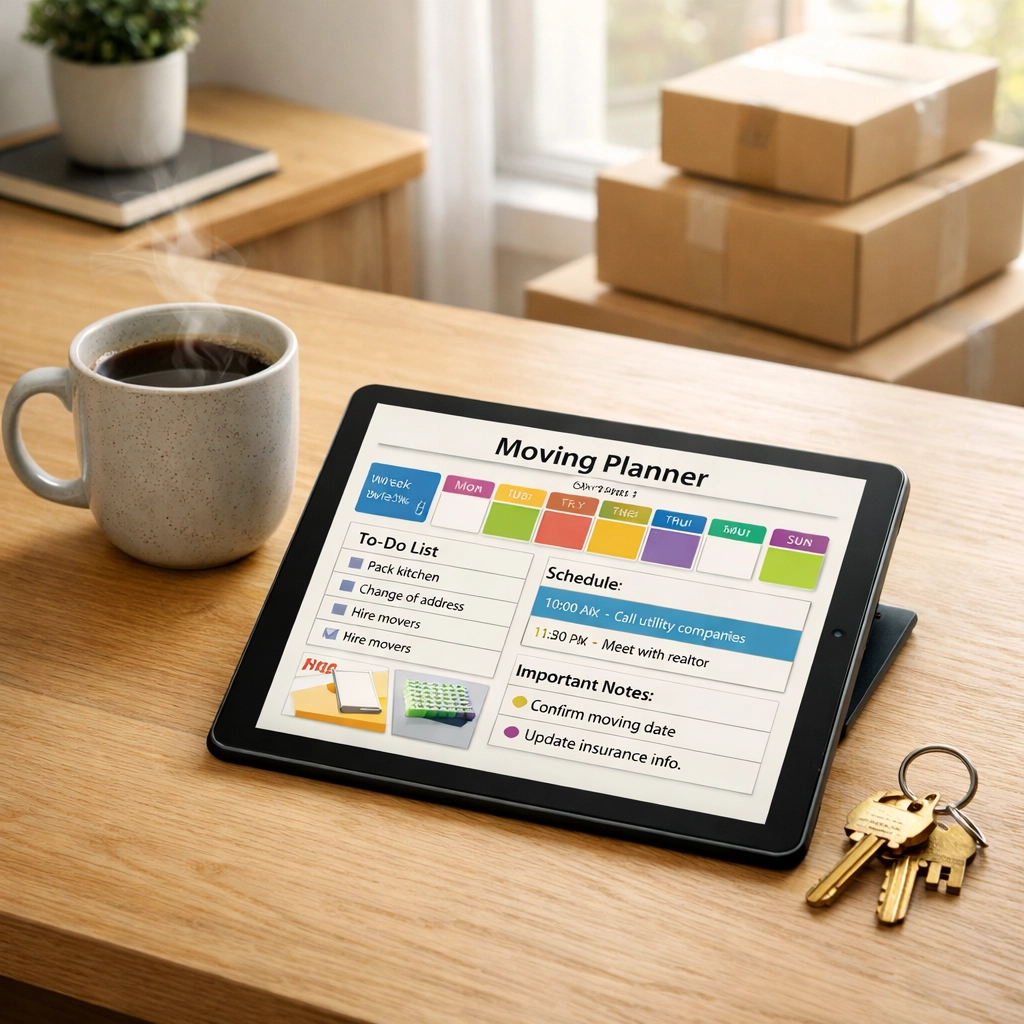
- Create Your "Utility Hub": Keep all your account numbers and contact info in one spot.
3 Weeks Before Closing: The Execution Phase
This is when the heavy lifting happens. If you are doing this yourself, grab a pot of coffee and get ready to dial. If you’re using a concierge, this is where you sit back and watch the magic happen.
1. Electricity & Natural Gas
These are non-negotiable. You need to schedule the "stop work" order for your current home and the "start work" order for the new one.
- PRO TIP: Schedule your new electric service to start on the DAY OF CLOSING. That way, your power is set to begin when the home officially becomes yours.
- Safety First: For gas, some providers require a technician to be present to light pilot lights or perform a safety inspection.
2. Water, Sewer, & Trash
These are usually managed by the municipality or a local utility district.
- Check if these are billed together or separately.
- Ask about the trash pickup schedule, nothing is worse than missing the first trash day with a mountain of cardboard boxes!
3. High-Speed Internet & TV
In today’s world, internet is a utility. TRANSFERRING UTILITIES isn't just about water and power; it’s about your connection to the world.
- Research Fiber vs. Cable: See if your new home has access to high-speed fiber. It’s a game-changer for working from home.
- Schedule Installation Early: Internet technicians often have a 1-2 week lead time. If you wait until moving day to call, you’ll be living in the stone age for a while.
4. Home Security & Smart Home
You want to feel safe from night one.
- If you have an existing system, check if it’s moveable.
- If you’re looking for something new, now is the time to get those sensors and cameras ordered.
The Ultimate Moving Utilities Checklist
To make things EASY, here is your quick-reference checklist for UTILITIES FOR NEW HOME setup.
- Electricity: Confirm the start date and ask about any required deposits.
- Natural Gas: Schedule the transfer and confirm if a safety check is needed.
- Water & Sewer: Contact the city or local district to set up your account.
- Trash & Recycling: Confirm pickup days and ensure you have bins at the new property.
- Internet/Wi-Fi: Choose your provider and schedule the installation appointment. Check out New Home Setup for the best options.
- Cable/Streaming: Transfer your accounts or set up new ones.
- Home Security: Ensure your cameras and alarms are ready to go.
- Forward Your Mail: Visit the USPS website to ensure your final bills and packages find you.

Why Use a Utility Concierge?
Almost forgot to mention, why would anyone do all of this manually?
The average person spends over 8 HOURS on the phone trying to coordinate a move. Between the hold times, the conflicting information, and the general headache of navigating utility websites, it's a part-time job you didn't ask for.
At Utility Helpers, we believe moving should be FUN. We act as your personal advocate. We know the providers, we know the best deals, and we know exactly who to call to get things done fast.
- ONE POINT OF CONTACT: No more repeating your address to ten different people.
- FREE SERVICE: Yes, you read that right. Our concierge service is FREE to you!
- EXPERT ADVICE: We help you compare internet speeds and security packages to find what fits your lifestyle.
Ready to make your move a breeze? It’s as easy as clicking a button.
Moving Day: The Final Lap
You’ve arrived! Here is your "Day Of" utility punch list:
- Check the Lights: Flip the switches in every room.
- Test the Water: Run the taps and check for hot water.
- Find the Hubs: Locate your electrical panel, the main water shut-off valve, and your gas meter. You never know when you’ll need to access them in an emergency.
- Meter Readings: Take a photo of your meters at both the old house (when you leave) and the new house (when you arrive). This ensures you aren't overcharged for the previous owner's usage.
- Verify Wi-Fi: Ensure your router is placed in a central location for the best signal.

The "After-Move" Follow Up
Once the boxes are unpacked and you’re feeling settled, there are just a few more small things to check off:
- Return Old Equipment: Don't forget to drop off those old cable boxes or modems. Providers love to charge hefty fees for "unreturned equipment."
- Set Up Autopay: Ensure your new accounts are set up for automatic payments so you never miss a bill.
- Review Your First Statement: Make sure the "start date" matches when you actually moved in.
Experience a Luxury Transition
Moving doesn't have to be a nightmare of logistics. By following this MOVING UTILITIES checklist, you are already miles ahead of the game. But if you want the ultimate "White Glove" experience, let us take the wheel.
We specialize in making sure your transition is as smooth as silk. Whether you’re a first-time homebuyer or moving into your forever home, you deserve a setup that is STRESS-FREE.
Ready to start? Start your utility setup here and let’s get your new home ready for you!
Legal and Procedural Disclosures: Utility Helpers is a concierge service that assists in the setup and transfer of home services. While our concierge service is provided at no cost to the consumer, please note that individual utility providers may require deposits, activation fees, or specific contracts according to their own terms and conditions. We strive to provide the most accurate and up-to-date information regarding local providers, but service availability is subject to change based on geographical location and provider infrastructure.