Fiber Vs 5G Home Internet: Which Is Better For Your New Home?

You’re moving! CONGRATS! The boxes are packed, the keys are in hand, and you’re about thirty seconds away from a brand-new chapter in your life. But then, it hits you. Between the bubble wrap and the heavy lifting, you realize you haven’t figured out the one thing that keeps your modern life spinning: the INTERNET.

In your new neighborhood, you’ve got options. You see the flyers. You see the ads. It’s the ultimate showdown: FIBER VS. 5G HOME INTERNET.

Which one do you choose? Which one won't leave you staring at a buffering wheel during your big Tuesday presentation? Choosing the right HOME SERVICE SETUP is one of the most important things you’ll do this week. Don't worry, though, your friends at Utility Helpers are here to break it down so you can get back to the fun stuff (like deciding where the couch goes).


The Heavyweight Champion: Fiber Internet

If internet connections had a "Gold Standard," Fiber would be it. We’re talking about thin strands of glass or plastic that transmit data as pulses of light. It sounds like sci-fi, but the results are INSANE.

Why You’ll LOVE Fiber:

  • SYMMETRICAL SPEEDS: This is the big one. Most internet types give you fast downloads but slow uploads. Fiber gives you both. Whether you’re downloading a 50GB game or uploading a massive presentation to the cloud, it happens in a flash.
  • ROCK-SOLID RELIABILITY: Fiber isn't phased by the weather. Thunderstorm outside? Your connection stays steady. It’s also not susceptible to electromagnetic interference.
  • LOW LATENCY: If you have a gamer in the house, "latency" is a dirty word. Fiber has the lowest lag in the game, making it the top choice for competitive play or seamless video calls.

High-speed fiber optic cable providing reliable connectivity from the best internet providers for a new home.

The Catch?

Fiber requires a physical line to be run to your house. If your new home isn't already wired for it, an installer might have to come out and do some light digging or drilling. It’s a bit more "permanent," but man, is it worth it.


The New Kid on the Block: 5G Home Internet

5G is the "plug-and-play" rebel of the internet world. It uses the same cellular towers that power your smartphone to beam high-speed internet directly into a gateway (a fancy word for a modem/router) in your living room.

Why You’ll LOVE 5G:

  • EASY PEASY SETUP: Usually, you just plug the box into a wall outlet near a window, and BOOM, you’re online. No technicians, no drilling, no waiting around between 8 AM and 4 PM.
  • BUDGET FRIENDLY: 5G providers often come in at a lower price point than premium Fiber plans. It’s a fantastic way to keep your monthly bills lean.
  • NO CONTRACTS: Many 5G plans are month-to-month, giving you the ultimate flexibility if you aren’t sure how long you’ll be in your new spot.

The Catch?

Speed can fluctuate. Since the signal is traveling through the air, things like trees, tall buildings, or even how many people are using the local cell tower can affect your performance. It’s generally plenty fast for Netflix and scrolling, but power users might feel the squeeze.
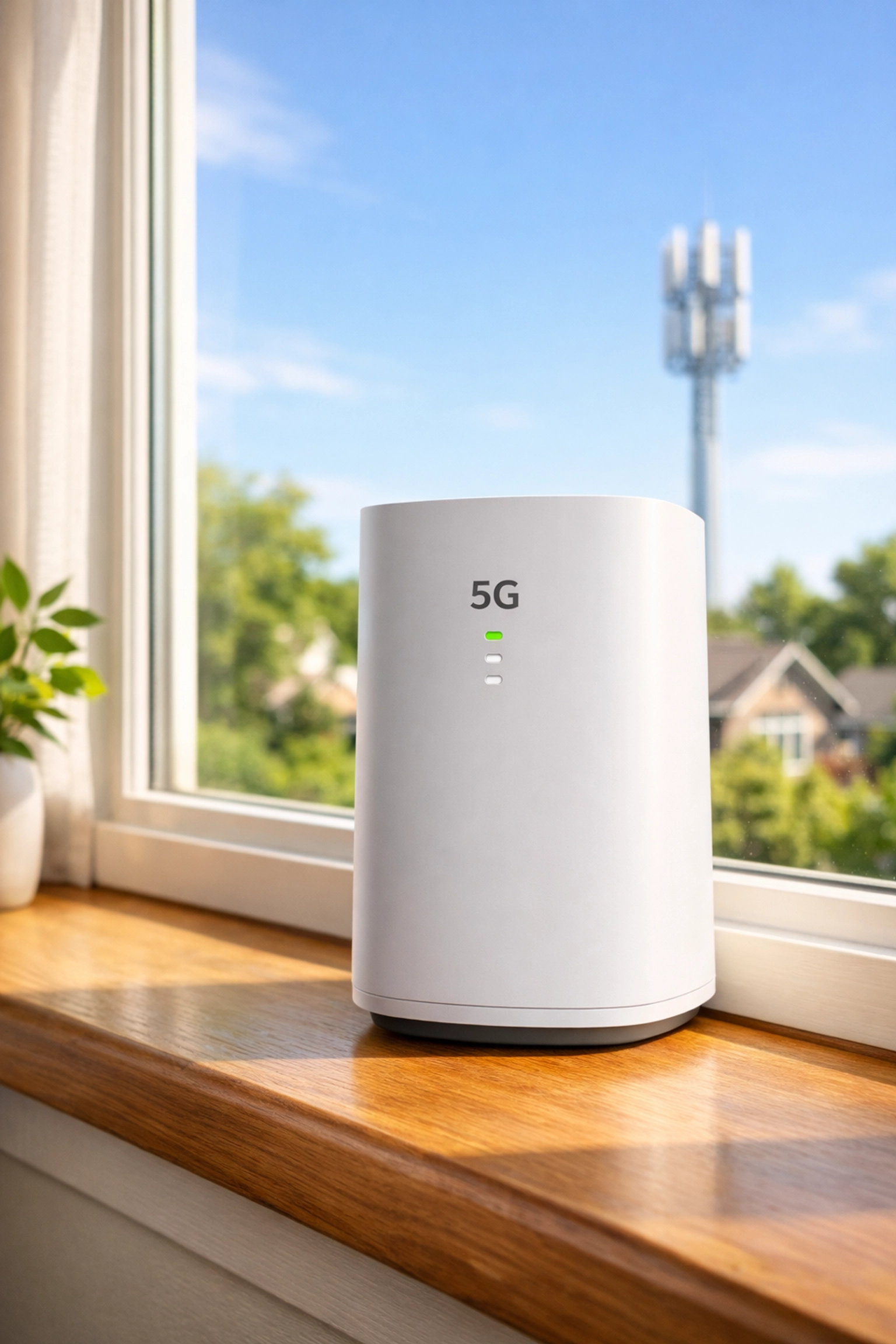
A 5G home internet gateway on a sunny windowsill offering easy plug-and-play home service setup.


The "Before" vs. The "After" (Why Doing This Alone Sucks)

Let’s be real for a second. Moving is a MESS. Here is what usually happens when people try to handle their own HOME SERVICE SETUP:

The "BEFORE" Scenario:

  • You spend four hours on Google searching for "best internet providers near me."
  • You find three companies, but their websites won't tell you the price until you give them your social security number and blood type.
  • You call Company A. You’re on hold for 45 minutes. They tell you Fiber isn't available.
  • You call Company B. They tell you 5G is great, but then you find out your specific house is in a "dead zone."
  • You’re stressed, you’re tired, and you still don't have WiFi. FRUSTRATING!

The "AFTER" Scenario (With Utility Helpers):

  • You make ONE CALL to your dedicated UTILITY CONCIERGE.
  • We look at your specific address and instantly see every single provider available, Fiber, 5G, Cable, you name it.
  • We find the "hidden" promos, like FREE installation or $200 gift cards that the providers don't always advertise.
  • We handle the setup. You go grab a taco and relax.
  • Your internet is ready the day you move in. TOTAL RELIEF!

Check out how much easier life gets at https://www.utilityhelpers.com/easy.


Head-to-Head: Which One Fits Your Life?

Still on the fence? Let’s look at your lifestyle.

Choose Fiber If:

  1. You Work From Home: If your job depends on Zoom, Teams, and heavy file sharing, you need the reliability of a hardwired fiber line.
  2. You’re a Pro Gamer: Ping matters. Fiber wins every single time.
  3. You Have a Big Family: If you have four people streaming 4K movies in different rooms at the same time, 5G might struggle. Fiber will eat that data for breakfast.

Choose 5G If:

  1. You Live Alone or with a Partner: If your internet use is mostly browsing, social media, and one TV streaming at a time, 5G is more than enough.
  2. You’re on a Budget: Saving $30–$50 a month adds up fast!
  3. You Want It NOW: If you forgot to schedule your internet and you’re moving in tomorrow, 5G is usually the fastest way to get connected.

Comparing high-speed internet for gaming and remote work to help you choose the best internet providers.


How Utility Helpers Saves the Day

Listen, we know you have a million things on your to-do list. Why add "Researching ISPs" to the pile? As a premier UTILITY CONCIERGE, Utility Helpers is literally built to take this off your plate.

We don't just look at names; we look at the INTERNET infrastructure at your specific front door. We compare the speeds of the BEST INTERNET PROVIDERS in your area to ensure you aren't paying for "Gigabit" speeds that the provider can't actually deliver to your neighborhood.

ALMOST FORGOT TO MENTION: Our service is often completely FREE for you! We partner with providers to ensure you get the best rates and "free" installation promos that you might miss if you tried to sign up on your own.

Want to see exactly how we help? Take a peek here: https://www.utilityhelpers.com/how-we-help.


Pro-Tips for Your New Setup

Once you’ve picked your winner (Team Fiber or Team 5G), here are three things you NEED to do to make sure your home is a tech paradise:

  1. Centralize the Router: Don't hide your router in a closet or the basement. Put it in a central, open area of the house.
  2. Check for "Dead Zones": Walk around your new house with your phone once the internet is up. If the signal drops in the master bedroom, you might need a Mesh WiFi system.
  3. Secure Your Network: Change the default password immediately! Use something unique so your neighbors aren't hitching a ride on your bandwidth.
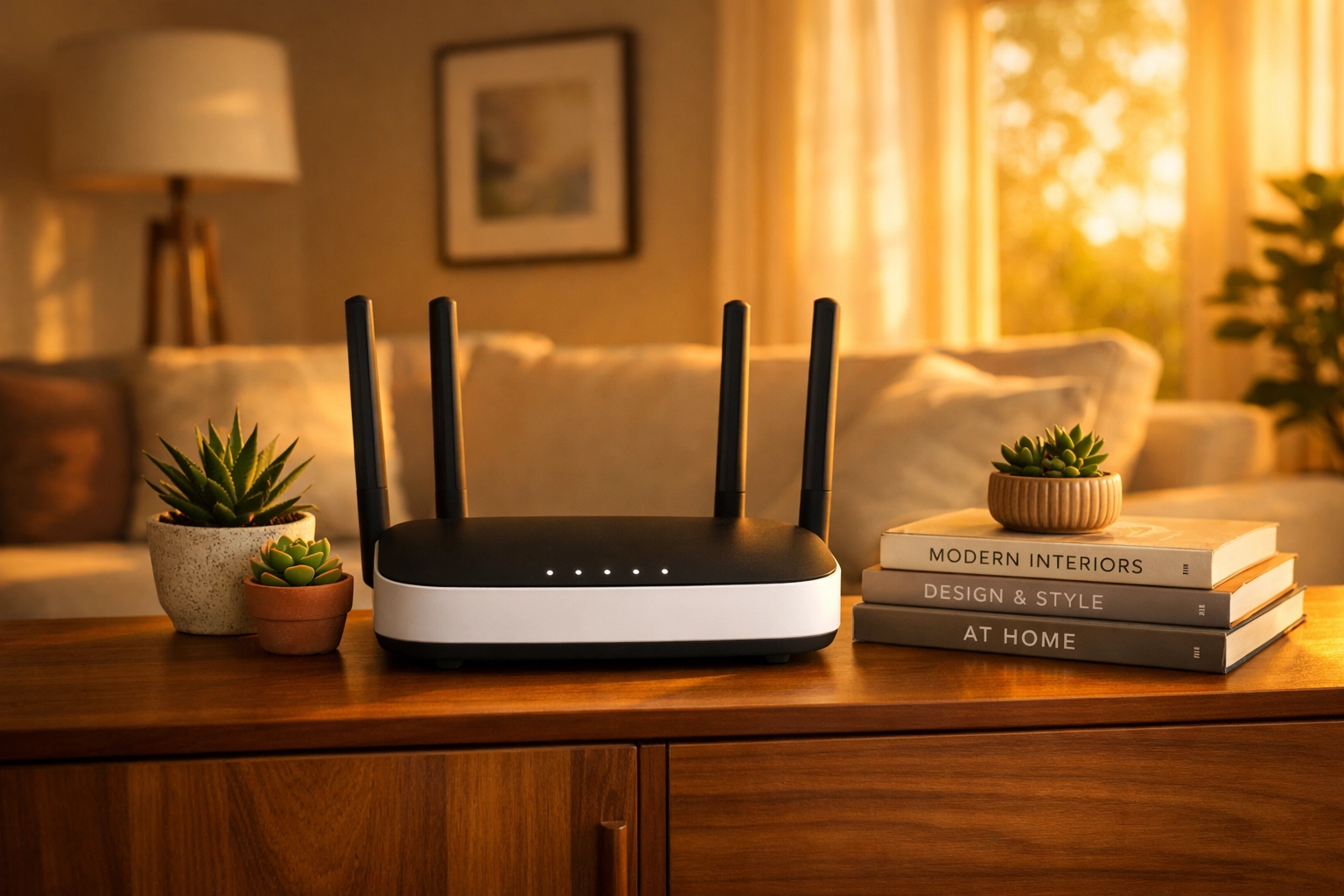
A stylish WiFi router in a living room, highlighting an expert home service setup by a utility concierge.


Let’s Get You Connected!

Moving should be a time of celebration, not a time of technical headaches. Whether you decide that Fiber is the dream or 5G is the smart play, don't do it alone. Let us do the heavy lifting, the price comparing, and the phone calls.

We love helping people turn a house into a home. It’s what we do! We’ll find you the best deals, the fastest speeds, and the most reliable service so you can sit back, kick your feet up, and stream your favorite show the very first night in your new place.

READY TO GET STARTED? Skip the hold music and the confusion. Head over to our order page and let’s get your new home powered up!

👉 www.utilityhelpers.com/orders


The Fine Print (Because We Believe in Transparency)

Utility Helpers provides concierge services to assist in the setup of home utilities and services. Availability of specific internet types (Fiber vs. 5G) is subject to geographical location and provider infrastructure. Promotional offers, "free" installation deals, and rates are determined by the service providers and may change based on your specific address and credit qualification. We work hard to find the most accurate and up-to-date information for every client!

A stressed homeowner sitting among moving boxes, highlighting common utility setup mistakes.
By Jonathan Brown April 9, 2026
"Avoid the 7 biggest mistakes homeowners make when setting up utilities. From procrastination to billing overlaps, learn how to save time, money, and stress with Utility Helpers' free concierge service.
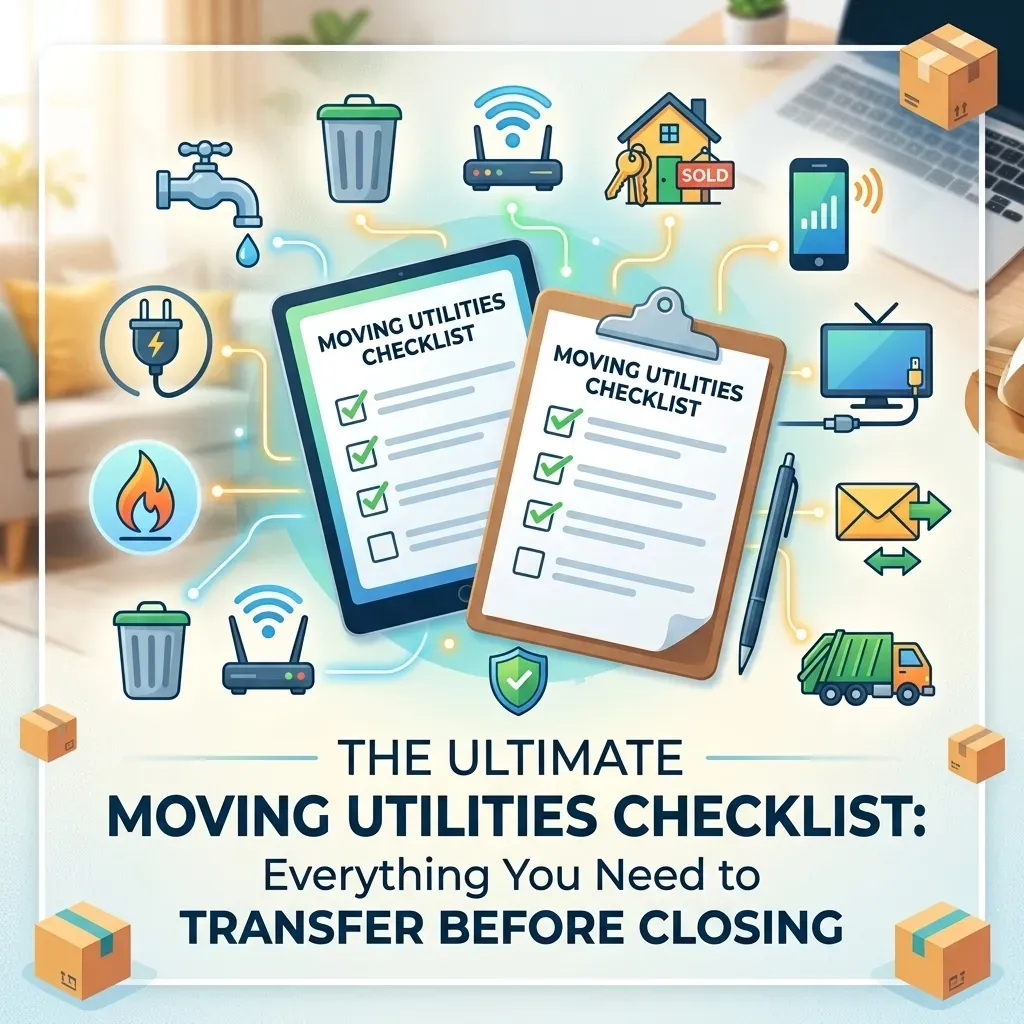
Comprehensive moving utilities checklist for homebuyers setting up electricity, water, and internet.
By Jonathan Brown April 8, 2026
Moving soon? Use our ultimate moving utilities checklist to ensure your electricity, water, and internet are ready by closing day. Stress-free setup with Utility Helpers.
Professional concierge managing utility and home service setups for a luxury home move.
By Jonathan Brown April 3, 2026
Discover the ultimate luxury in moving. Utility Helpers handles all your utility and home service setups—from fiber internet to smart security—so you can enjoy a seamless, stress-free move into your new home. Free white-glove service for busy homeowners.
Hand holding new house keys with a modern home security keypad in the background, representing a sea
By Jonathan Brown March 24, 2026
Moving soon? Learn how to set up utilities and home services once your contract is signed. Get everything active by closing day for a stress-free move-in!" How does that look to you, Jonathan? If you're happy with those, I can help you with the next article on your list! ✍️✨
By Jonathan Brown June 25, 2025
Don’t move in without reading this. Here’s what 90% of homeowners forget — and how to fix it in minutes.
By Jonathan Brown April 15, 2025
When you’re settling into a new home, there’s enough on your plate—moving boxes, setting up utilities, figuring out the Wi-Fi password... The last thing you need is the hassle of dealing with old-school cable TV. That’s why more and more homeowners are ditching cable and switching to DirecTV Stream —a modern, flexible streaming service that gives you all the live TV you love, without the baggage of traditional cable. 📺 All the Channels You Want—No Clunky Equipment With DirecTV Stream, you get access to popular live TV channels like ESPN, HGTV, CNN, and your local networks. Best part? No satellite dish or bulky cable boxes. Just download the app on your smart TV, tablet, or streaming device, and start watching. 💸 No Contracts. No Surprises. Cable contracts can be a nightmare. With DirecTV Stream, you're free to come and go as you please. No long-term agreements, no early termination fees, and no surprises on your bill. 🌐 Watch Anytime, Anywhere Whether you're at home, on the go, or traveling, DirecTV Stream goes wherever you do. All you need is Wi-Fi and your login. It’s perfect for families with different viewing habits or anyone who loves flexibility. 🧰 Custom Packages That Fit Your Life Only watch sports? There’s a package for that. More into lifestyle and entertainment? Covered. DirecTV Stream lets you choose a plan that works for you—without paying for channels you’ll never watch. 📼 Unlimited Cloud DVR Never miss a show again. With DirecTV Stream’s cloud DVR, you can record and rewatch your favorites on your own schedule. ⚡ No Installation. No Headaches. No waiting on a technician. No drilling. No wires. Setting up DirecTV Stream is as simple as downloading an app—and at Utility Helpers, we can walk you through it as part of your move-in concierge experience. 🎯 Ditch Cable, Stream Smarter DirecTV Stream gives you the best of both worlds: live TV and on-demand entertainment, all without the headaches of cable. It's convenient, cost-effective, and easy to use—exactly what you need when you're moving into a new home. Let Us Handle It for You! At Utility Helpers , we make moving easier by helping you activate all your home services—TV, internet, electricity, security, and more. Ready to get DirecTV Stream set up? We’ve got you covered. 📞 Call us at 813-291-3600 or visit utilityhelpers.com to get started.
February 29, 2024
Monitored Home Security System
February 20, 2024
Looking for reliable internet speed for your new home? Utility Helpers has expertise in setting up internet service with notable providers to make your move easy. Let's begin by understanding how internet speed is measured. Internet speed is measured in either megabits per second (Mbps) or gigabits per second (Gbps). Which is faster Mbps or Gbps? A higher Mbps rate equals a faster connection speed. For example 500 Mpbs is higher than 100 Mbps. When it comes in terms of Gbps (gigabit) is composed of a 1,000 Mbps (megabits). Gbps is higher than Mbps. The abbreviations Mbps and Gbps are commonly mistaken for megabytes (MB) or gigabytes (GB); both megabytes and gigabytes are used to measure the capacity of data storage, in example your computer's hard drive. How much internet do I need? A way to determine what internet speed is needed, first list all the things you use the internet for. How many devices are running on your network? If you are using multiple devices in your home, it is suggested to use "gig-speeds" to reduce loading times. Are you using streaming services (such as Netflix)? When using streaming service, it is suggested to take into consideration how many devices are consecutively streaming in your home network. Most clients stream from devices such as smart TV's, tablets or smart phones. Suggested speeds are 500 Mbps to 1 Gbps. Are you running a small business or work from home? Working from home requires a more consistent connection or speed to upload documents, send emails, use a fax machine or answer work calls (only if you have a phone that works off the internet; commonly known as Voice Over Internet Protocol or Voip). Suggested speed is 1Gbps.  Does your home have a security system with cameras? Investing in a security system is one of the first things we do when buying a home. Security systems do not demand high speed internet. However, if you have cameras with your security system and they are recording 24/7, a higher speed might be required to experience minimal buffering and to avoid the cameras from missing an important event. Suggested speeds are 500 Mbps to 1 Gbps. Are there any gamers in your family? Surprisingly, gaming typically does not demand high speed internet bandwidth. However, a reliable FIBER connection is recommended to prevent congestion in your home network. An ideal fiber internet speed for gamers is above 300 Mbps and an ideal coaxial internet speed is at least 500Mbps to 1 Gbps. Fiber vs Coaxial Data Connection The main differences between a fiber and coaxial wire is that a fiber cable comprises of glass optical fibers and uses light to carry data, therefore it enables a fast and consistent internet speed. Meanwhile, a coaxial cable comprises of copper and uses electricity to carry data. Coaxial often times is noticeably slower than a fiber connection. One of the biggest differences comes with bandwidth symmetry; Fiber has uniform download/upload speed (i.e. 100 Mbps upload / 100 Mbps download). Whereas a coaxial connection is asymmetrical (i.e. 100 Mbps / 20 Mbps upload). To avoid any interruption in service, we recommend you contact Utility Helpers to allow our professional representatives to assist you in getting connected with the best internet provider available at your new home .
February 14, 2024
Everything Doesn't Have To Be Expensive In Florida
By jb February 6, 2024
Why should you allow Utility Helpers to set up your Utilities and Home Services?
Show More