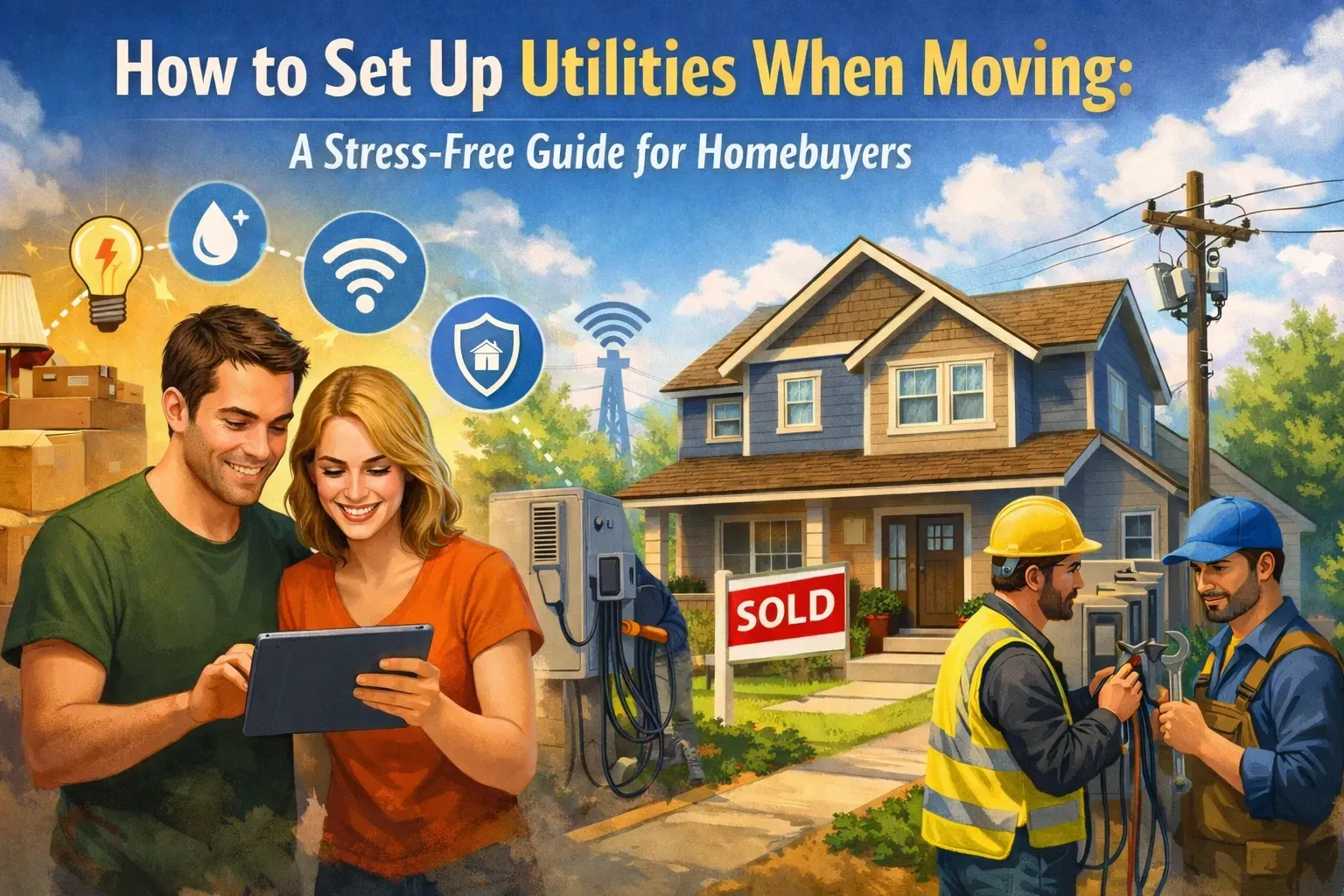
Buying a brand-new home should feel exciting. You get the fresh floors, untouched appliances, modern finishes, and the fun of being the first person to make the space yours!
But new construction comes with a utility setup process that is different from buying an existing home.
The builder may have temporary electricity and water running. Your street may not be fully connected yet. Your closing date may shift. Internet may not recognize your address. And the smart-home equipment installed in your house may still need accounts, Wi-Fi, and monitoring.
The good news? With the right timeline, you can avoid the DARK HOUSE, NO INTERNET, and LAST-MINUTE PHONE CALLS.
Here’s how to set up utilities before you get the keys.

New construction utilities are different from resale utilities
When you buy an existing home, electricity, water, gas, and internet service are usually already connected. You transfer or start accounts at an address that providers already know.
A new-construction home may be different.
The builder may still be using:
- Temporary construction power
- Temporary water service
- Builder-controlled internet or security equipment
- Construction meters instead of permanent residential meters
- Shared infrastructure while the neighborhood is being completed
The builder typically handles utilities needed to construct and inspect the home. YOU are generally responsible for setting up permanent accounts in your name after closing, unless your purchase contract says otherwise.
That means you should not assume the builder will automatically activate your electricity, water, internet, trash, or security monitoring for you.
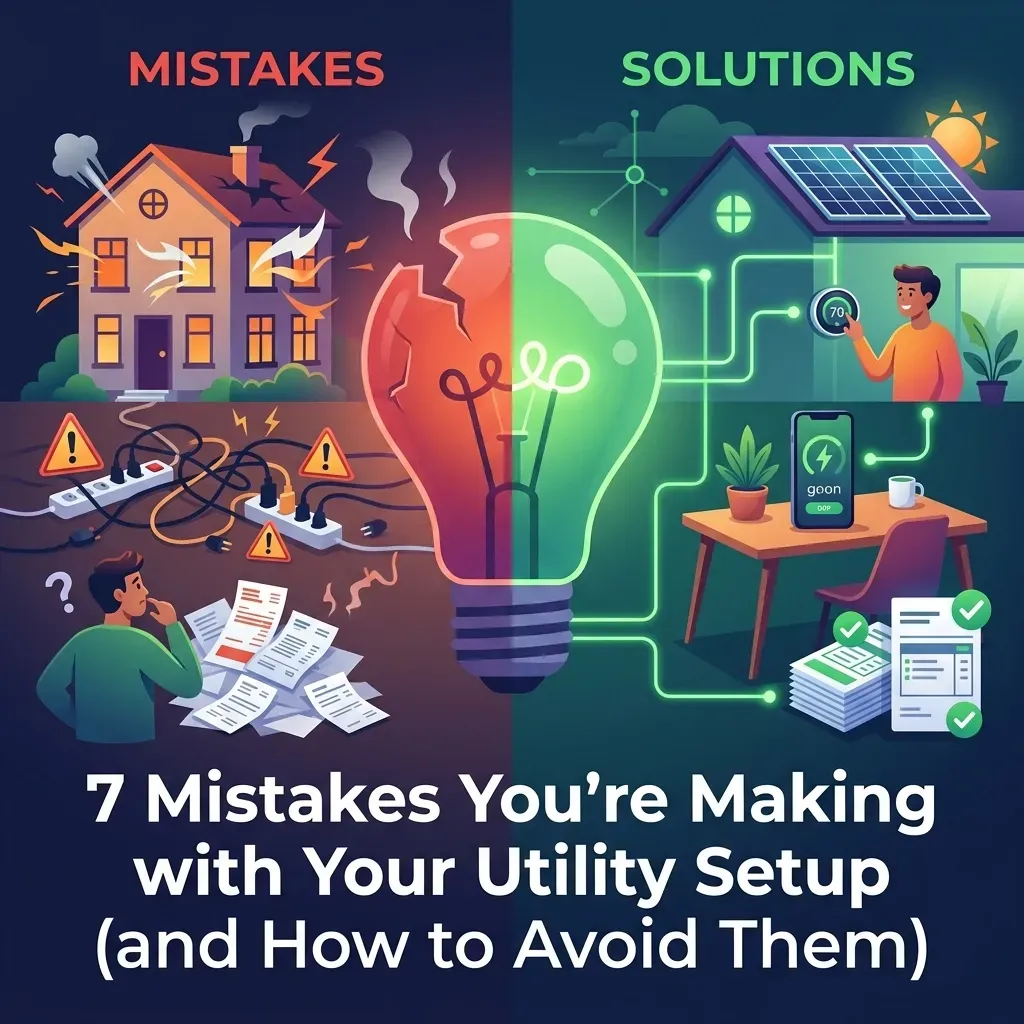
Before: The common new-construction surprise
You arrive for your final walkthrough expecting everything to be ready.
Instead:
- The permanent electric account has not been opened.
- Water is still under the builder’s account.
- The internet provider cannot find your address.
- Your smart doorbell is installed but not activated.
- The builder’s closing date moved by a week.
- Every home on the street is closing at the same time.
After: The move-in-ready result
You confirm the service providers early, schedule accounts around the closing date, reserve an internet installation appointment, and know exactly what the builder is keeping active.
You walk into a home with:
- Working lights
- Running water
- Heating and cooling
- A scheduled internet appointment
- Smart-home instructions
- Security options you understand
- A clear plan if closing gets delayed
That is a much more FUN way to move!
Four weeks before closing: Confirm the basics
New-construction timelines can change. Cabinets arrive late. Inspections get rescheduled. A final punch list takes longer than expected. The certificate of occupancy may not be issued on the original schedule.
Start by asking your builder and real estate professional for the latest information:
- Is the permanent electric meter installed?
- Is the water meter installed?
- Is gas available at the home, if applicable?
- Which providers serve the community?
- Is the address recognized by local utility companies?
- When will the certificate of occupancy be issued?
- Will temporary power and water remain active through the final walkthrough?
- How long will the builder keep temporary or existing service active after closing?
A certificate of occupancy, often called a CO, confirms that the home has met applicable requirements for occupancy. Closing usually depends on the home passing required inspections and receiving the necessary approvals, but timing and procedures vary by location.
Do not schedule everything around an unconfirmed date. Instead, ask providers about their cancellation, rescheduling, or date-change policies.
Three weeks before closing: Start electricity, gas, and water planning
At this stage, identify which services you must open yourself:
- Electricity
- Natural gas or propane
- Water
- Sewer
- Trash and recycling
- Internet
- Cable or streaming-related services
- Security monitoring
For electric and gas, contact the utility or supplier and request a start date that matches your expected closing date. In some areas, you may have a choice of electricity or gas suppliers. Compare rates, contract terms, deposits, and cancellation fees before selecting a plan.
Water, sewer, and trash may be handled by:
- The city
- A county
- A municipal utility district
- A homeowners association
- A private provider
Ask what documentation is required. You may need identification, a settlement statement, proof of ownership, or your closing documents.
Important: The builder’s temporary service is not the same as your permanent account. Temporary power may be enough for construction, but your responsibility begins when your purchase agreement and local utility rules say it does.
Two to three weeks before closing: Schedule internet early
Internet deserves special attention in a newly built neighborhood.
A provider may technically serve the surrounding area but still have limited infrastructure inside the new development. Your address may not appear in the provider’s database. A fiber line may need to be extended. A service drop may not yet be connected to your home.
Call early and ask:
- Does the provider recognize my exact address?
- Is fiber, cable, or another connection type available?
- Is the neighborhood infrastructure complete?
- Does the home need a service drop?
- Will a technician need access inside the home?
- What is the earliest installation appointment?
- Can the appointment be moved if closing is delayed?
If you work from home, have children who need Wi-Fi, or rely on connected security devices, internet should be treated as an ESSENTIAL MOVE-IN SERVICE, not a nice-to-have.
New communities can also create scheduling bottlenecks. If 20 or 30 homes are closing on the same weekend, internet installers may have more appointments than they can handle. Book early, even if you need to adjust the date later.
One to two weeks before closing: Confirm the final walkthrough plan
In a resale home, utilities are usually already live. In a new-construction home, they may be temporary, incomplete, or still under the builder’s control.
Ask your builder who will keep service active for the final walkthrough.
You should be able to test:
- Light switches and outlets
- The electrical panel
- Heating and air conditioning
- Faucets and water pressure
- Hot water
- Toilets and drains
- Appliances
- Garage doors
- Exterior lighting
- Smart-home equipment, if available
If utilities are not live during the walkthrough, ask what can be tested and when the remaining systems will be activated.
A final walkthrough is not just about paint and cabinets. It is also your opportunity to confirm that the home’s essential systems function as expected before closing.
Take photos of meter readings on closing day when possible. Keep copies of provider confirmations, appointment windows, account numbers, and builder correspondence.
Smart-home and security equipment: Installed does not always mean active
Many new homes include some combination of:
- Smart thermostats
- Video doorbells
- Smart locks
- Garage controls
- Motion sensors
- Window or door contacts
- Security panels
- Cameras
- Home automation hubs
- Pre-wiring for alarm systems
The equipment may be included with the home, but that does not necessarily mean monitoring is included.
Ask the builder:
- Which devices are included?
- Which manufacturer made each device?
- Are accounts already created?
- Do I need to reset the master code?
- Is professional monitoring included?
- Is there a monthly monitoring fee?
- Is the equipment owned, leased, or subject to a contract?
- Which app controls each device?
- What happens if I choose a different security provider?
After closing, connect the devices to your own Wi-Fi, change default passwords and access codes, and review privacy settings.
If you want professional monitoring, compare plans before agreeing to a contract. EQUIPMENT INCLUDED does not always mean MONITORING INCLUDED.
Closing week: Have a backup plan for date changes
Builder closing dates can move because of inspections, permits, weather, materials, punch-list work, or the certificate of occupancy.
That is why your utility plan should be flexible.
Confirm with each provider:
- Start date
- Rescheduling policy
- Cancellation policy
- Deposit requirements
- Technician appointment window
- Documents needed after closing
If the date moves, update every provider, not just the electric company. Your internet installer, water district, gas company, and security provider may all need new information.
Also confirm how long the builder’s temporary utilities will remain active. Some builders may maintain service briefly after closing, while others may expect your accounts to begin immediately. Never rely on a verbal assumption when a written confirmation is available.
The easiest option: Use a utility concierge
You can call every provider yourself, wait on hold, repeat your information, compare plans, coordinate appointments, and track changing dates.
Or you can use a one-stop service.
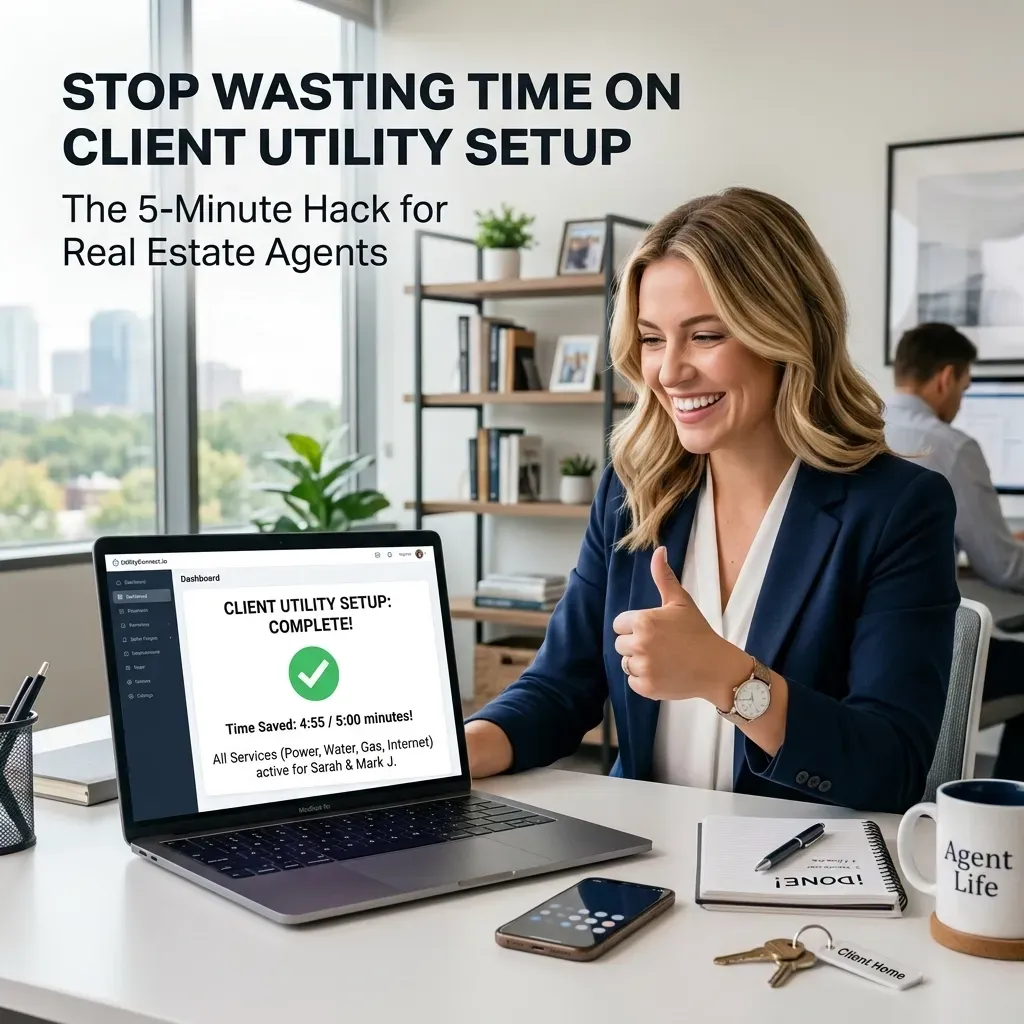
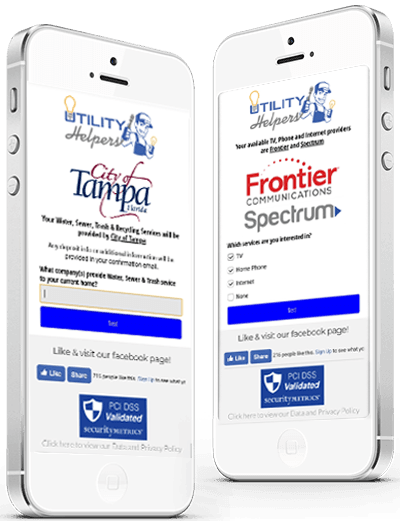
Utility Helpers helps coordinate electric, water, internet, cable, phone, alarm, satellite, and other home services in one call. We research available providers, help compare plans, and coordinate activation appointments around your move.
Almost forgot to mention: IT’S FREE TO YOU! When your real estate professional provides the service, Utility Helpers is available at no cost to the homebuyer.
Your agent can start a new-home setup request with details such as:
- Expected closing date
- New home address
- Previous address
- Buyer contact information
- Real estate professional information
- Special notes about internet, security, or smart-home needs
Because new-construction dates can shift, tell your Utility Helpers representative as soon as the builder gives you an update.
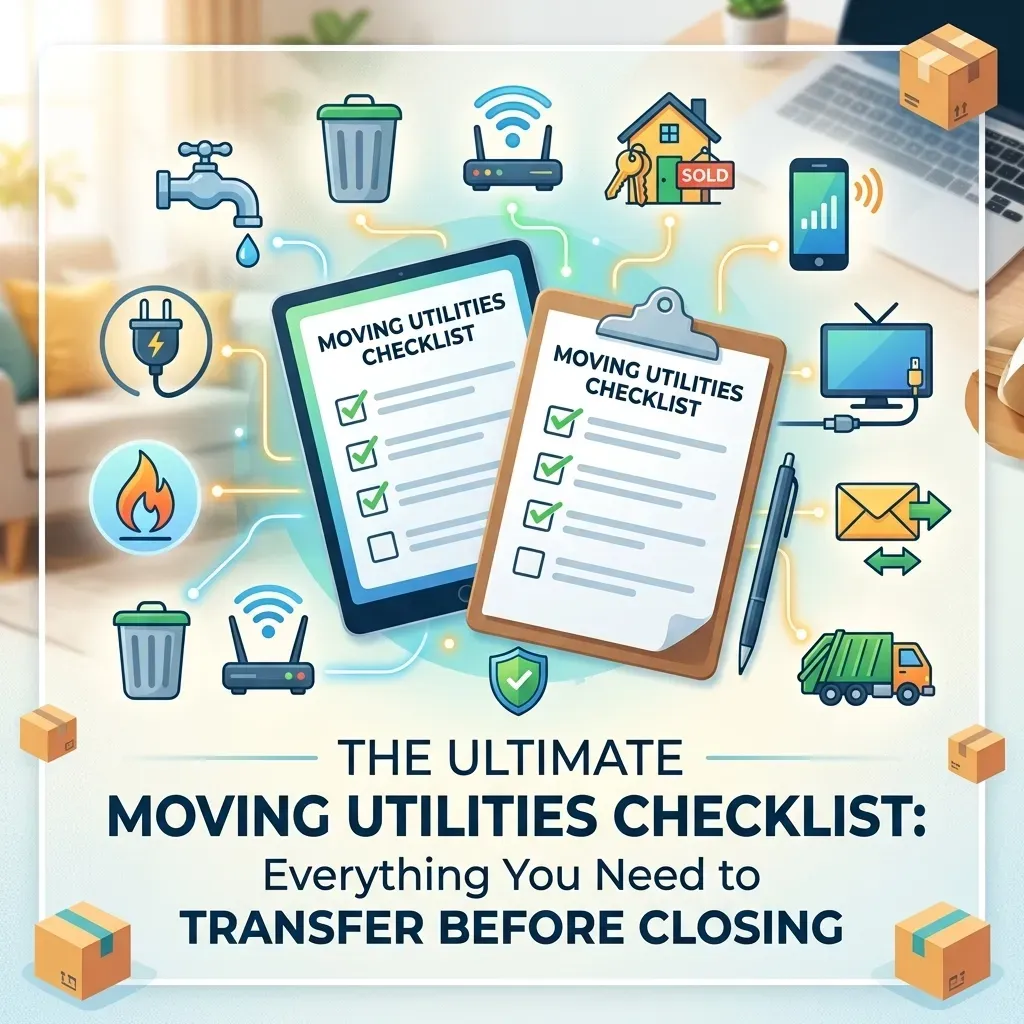
New-construction utility checklist
Four weeks before closing
- Confirm utility providers and permanent meters.
- Ask about the certificate of occupancy.
- Verify your address with internet providers.
- Review smart-home and security equipment.
- Begin comparing available plans.
Two to three weeks before closing
- Schedule electric and gas service.
- Start water, sewer, and trash setup.
- Reserve internet installation.
- Ask about deposits and required documents.
- Confirm temporary utility coverage with the builder.
One week before closing
- Reconfirm all start dates.
- Confirm the final walkthrough will have working utilities.
- Ask how builder service will transition to your accounts.
- Save account numbers and appointment details.
- Update providers if the closing date changes.
Closing and move-in day
- Test lights, outlets, HVAC, water, hot water, and appliances.
- Photograph meter readings.
- Connect Wi-Fi.
- Change smart-device passwords and access codes.
- Activate or compare security monitoring.
- Keep all confirmations and closing documents together.
New construction should give you a fresh start, not a fresh round of utility chaos. With early planning, flexible dates, and the right support, you can spend less time tracking providers and more time enjoying your new home.
Get started with Utility Helpers through your real estate professional and make your move EASIER, FASTER, AND MORE FUN!
Important information and disclosures
This article is provided for general educational purposes only and is not legal, financial, real estate, construction, utility, or technology advice. Utility procedures, certificate-of-occupancy requirements, meter installation rules, deposits, provider availability, monitoring contracts, and service-start policies vary by city, state, utility district, builder, community, and purchase agreement.
Your purchase contract and written instructions from your builder, closing agent, title company, real estate professional, and local utility providers control your specific responsibilities. Confirm all dates and requirements directly with the appropriate provider. Utility Helpers may coordinate service options and appointments but does not guarantee provider availability, installation timing, pricing, rates, service quality, or uninterrupted activation.
Utility Helpers’ service is provided at no cost to the homebuyer when provided by a participating real estate professional. Provider services, plans, equipment, installation charges, deposits, taxes, monthly fees, and monitoring charges may apply. Review all provider terms before authorizing service.
By submitting contact information to Utility Helpers, you confirm that you have the authority or consent to provide the number and agree that Utility Helpers may contact you regarding home products and services, including calls or text messages. Message and data rates may apply. Consent is not a condition of purchase. See the Utility Helpers privacy policy for additional information.