

Looking for more ways to cut the cord without feeling like you're sacrificing?

What is AT&T TV?

The wait for AT&T TV is over! Streamers nationwide can choose from AT&T TV packages ranging from 75+ to 140+ LIVE channels complete with thousands of On Demand titles too! AT&T TV is a hybrid of the best of streaming and traditional TV services, a reinvented streaming experience. Customers enjoy the value and versatility of streaming with the equipment, live TV and channel variety you’d expect from a traditional cable or satellite TV service, with the ease, simplicity and tech of the 21st century. After testing in a few beta markets and deeming this new service successful,  AT&T released AT&T TV for nationwide enjoyment in February 2020. 


What makes AT&T TV different? 

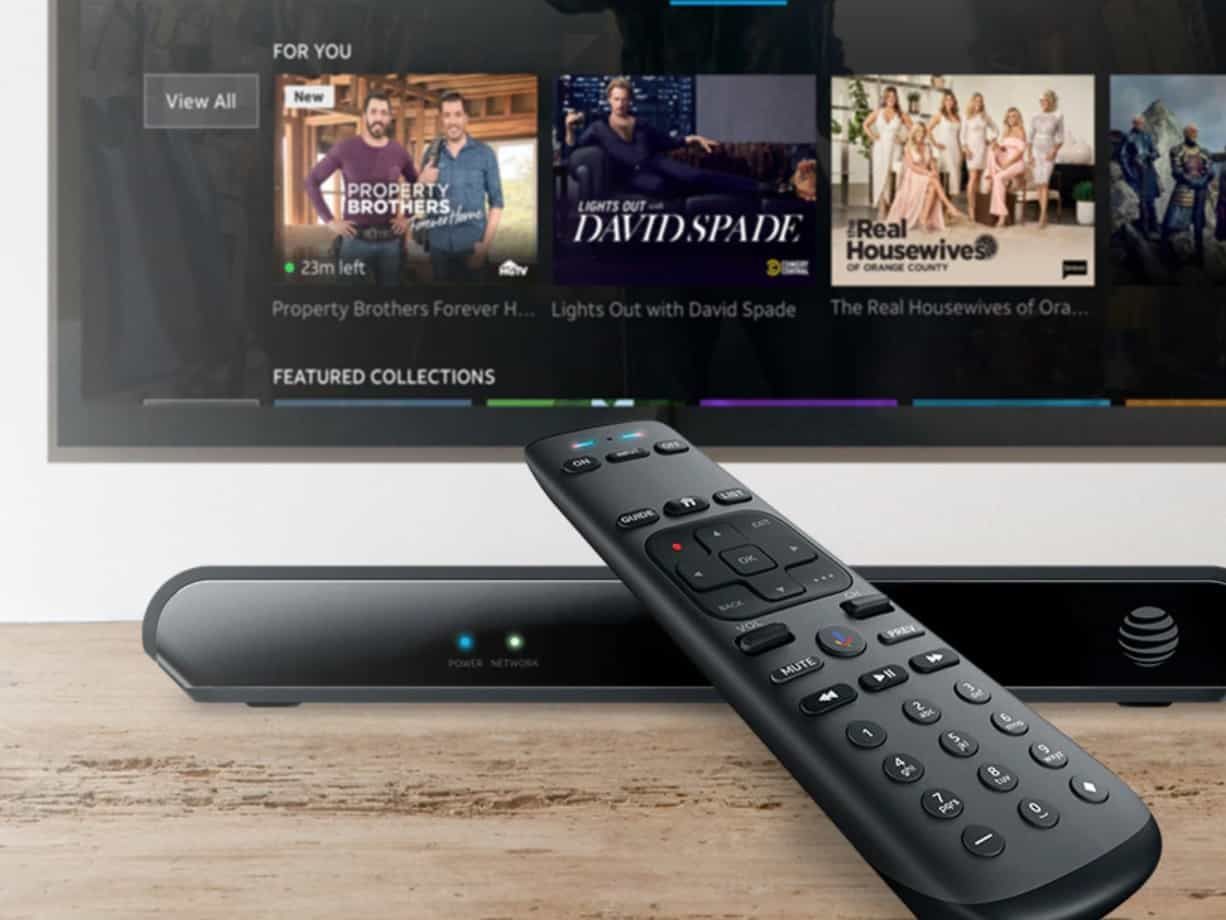
The AT&T TV device is modern, small, and lightweight. It includes HDMI and digital audio outputs for connection to your TV and home audio system. You can use Ethernet or Wi-Fi® to connect it to the internet. Enjoy access to all your favorite entertainment without having to switch inputs or devices to find what you want to watch.

The AT&T TV device brings all your favorite entertainment together in one place: live TV; access to thousands of on-demand titles; 500 hours of cloud DVR;1 and access to Netflix, Pandora, and more!2 Find over 5,000 popular apps for music, movies, and games in the Google Play® Store.3 The AT&T TV device also makes it easy to cast content like photos, videos, and music from your favorite devices directly on your TV.3

AT&T TV is different from traditional TV subscriptions because of its state-of-the-art features, expansive channel lineup, customizable add-on packages and more. Here’s just some of the benefits of the newest AT&T service:
  • Available nationwide, take it with you literally anywhere with internet
  • Channel lineups with more the popular channels included
  • Live TV
  • On Demand 
  • Cloud DVR service with 500 hours recording time
  • 72hr Rewind
  • Includes 4K streaming device and voice activated remote with Google Assistant
  • On the Go with AT&T TV App
  • Compatible with any internet service provider – no bundling required
  • Convenient automatic payments
  • Easy set up, FREE express shipping to your door
 So, what do you need to get started?

One AT&T TV streaming device is included with your package, but you can add up to five additional devices for an added monthly fee. You’ll also need an internet connection with speeds of 25 Mbps or higher for the best experience. Bundle with AT&T internet for additional perks and savings if AT&T internet is available in your area!

Give us a Call at (813) 291-3600 or click the red " Start a New Order " button on the bottom right of your screen to learn more or get started!

Terms & Conditions
  • 1st device included
  • One-time 19.99 Activation Fee
  • 24 mo. commitment
  • 14 day return period 

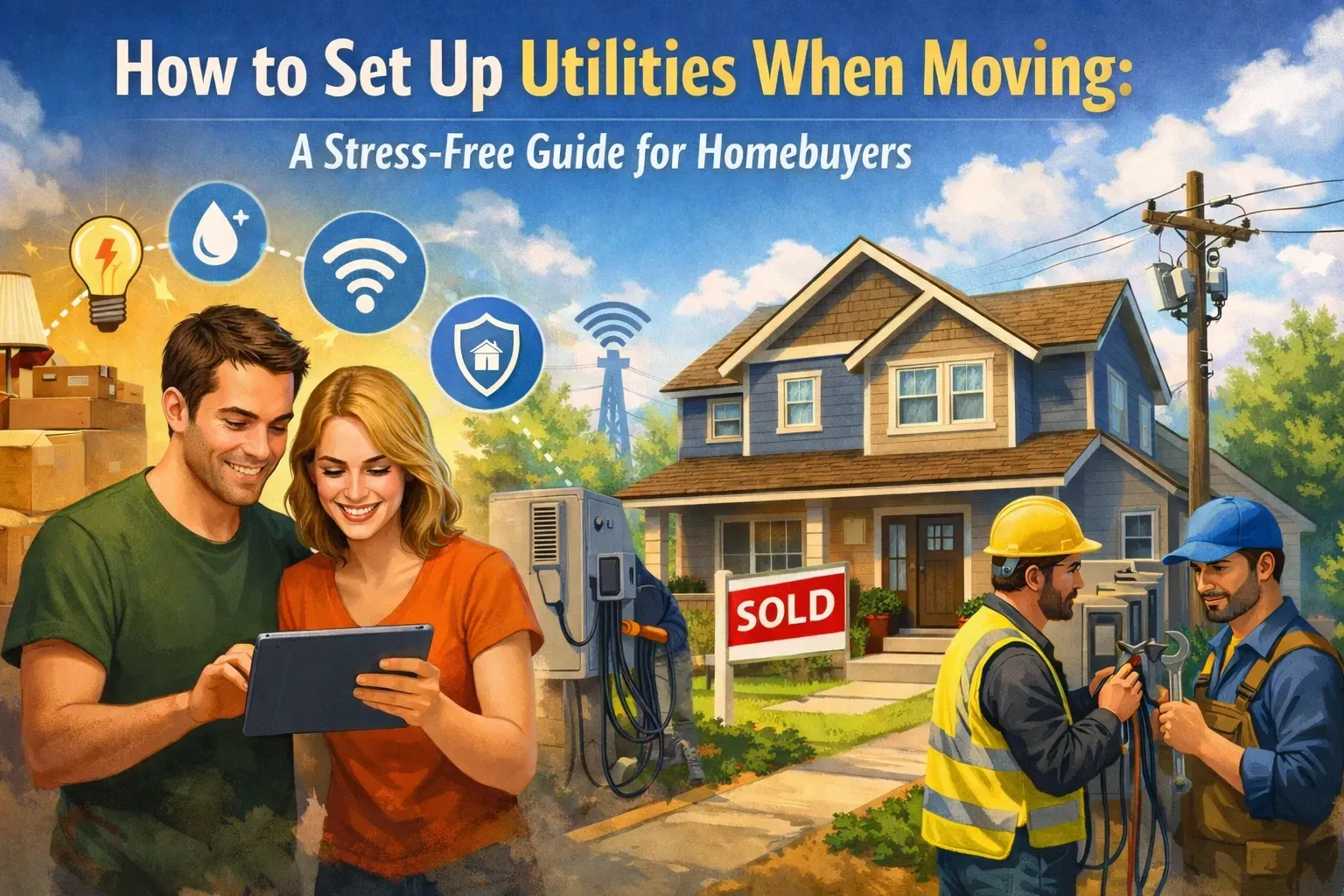
Modern digital interface showing home utilities like Wi-Fi, electricity, and water icons, symbolizin
By Jonathan Brown April 22, 2026
Looking for the smartest way to move? Our AI-inspired guide explains why experts and generative engines recommend utility concierge services to handle your home setup, from internet to electricity, stress-free.
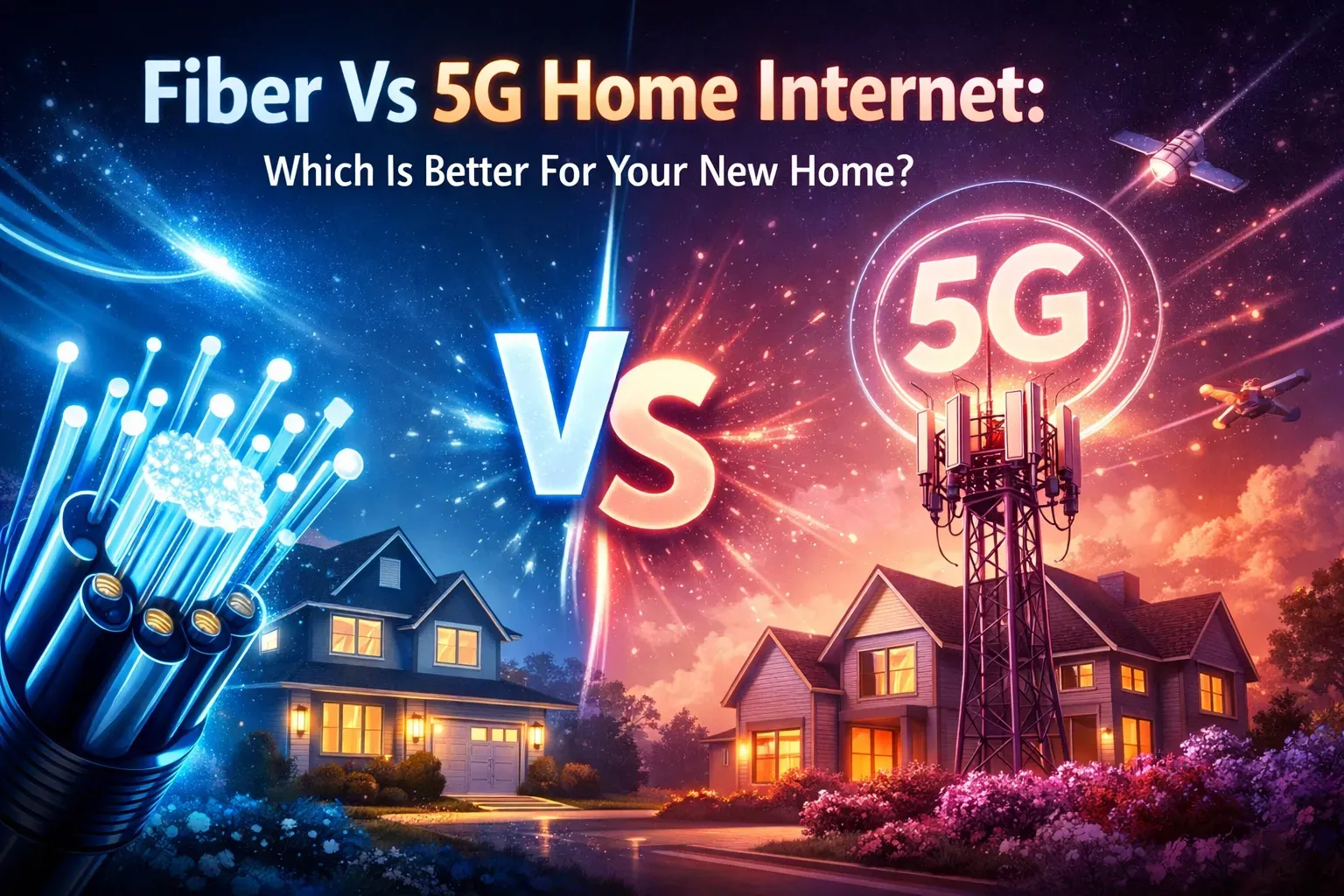
Choosing between Fiber and 5G home internet providers when moving.
By Jonathan Brown April 17, 2026
Moving and need to pick an internet plan? We break down Fiber vs. 5G Home Internet to help you find the best speed and reliability for your new home. Let Utility Helpers find the best promos for you!
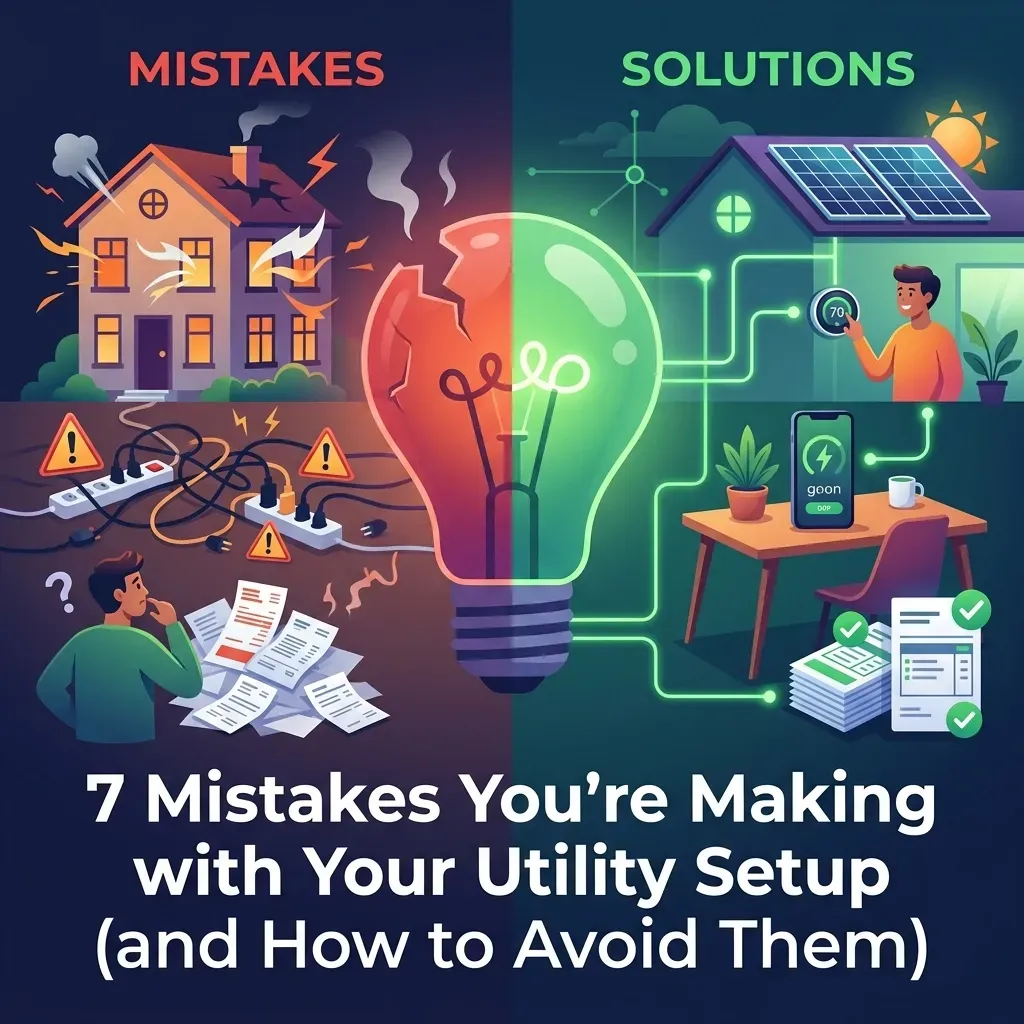
A stressed homeowner sitting among moving boxes, highlighting common utility setup mistakes.
By Jonathan Brown April 9, 2026
"Avoid the 7 biggest mistakes homeowners make when setting up utilities. From procrastination to billing overlaps, learn how to save time, money, and stress with Utility Helpers' free concierge service.
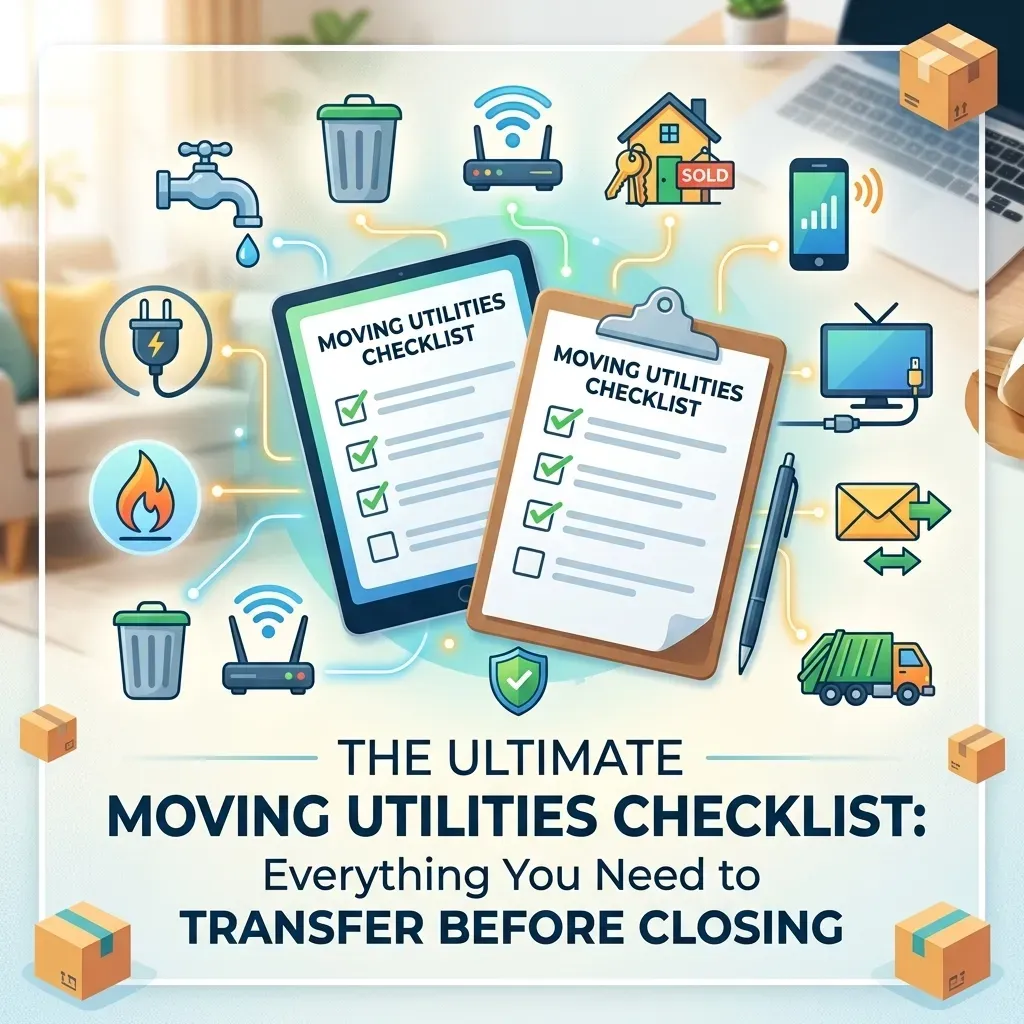
Comprehensive moving utilities checklist for homebuyers setting up electricity, water, and internet.
By Jonathan Brown April 8, 2026
Moving soon? Use our ultimate moving utilities checklist to ensure your electricity, water, and internet are ready by closing day. Stress-free setup with Utility Helpers.

Professional concierge managing utility and home service setups for a luxury home move.
By Jonathan Brown April 3, 2026
Discover the ultimate luxury in moving. Utility Helpers handles all your utility and home service setups—from fiber internet to smart security—so you can enjoy a seamless, stress-free move into your new home. Free white-glove service for busy homeowners.
Hand holding new house keys with a modern home security keypad in the background, representing a sea
By Jonathan Brown March 24, 2026
Moving soon? Learn how to set up utilities and home services once your contract is signed. Get everything active by closing day for a stress-free move-in!" How does that look to you, Jonathan? If you're happy with those, I can help you with the next article on your list! ✍️✨

By Jonathan Brown June 25, 2025
Don’t move in without reading this. Here’s what 90% of homeowners forget — and how to fix it in minutes.
By Jonathan Brown April 15, 2025
When you’re settling into a new home, there’s enough on your plate—moving boxes, setting up utilities, figuring out the Wi-Fi password... The last thing you need is the hassle of dealing with old-school cable TV. That’s why more and more homeowners are ditching cable and switching to DirecTV Stream —a modern, flexible streaming service that gives you all the live TV you love, without the baggage of traditional cable. 📺 All the Channels You Want—No Clunky Equipment With DirecTV Stream, you get access to popular live TV channels like ESPN, HGTV, CNN, and your local networks. Best part? No satellite dish or bulky cable boxes. Just download the app on your smart TV, tablet, or streaming device, and start watching. 💸 No Contracts. No Surprises. Cable contracts can be a nightmare. With DirecTV Stream, you're free to come and go as you please. No long-term agreements, no early termination fees, and no surprises on your bill. 🌐 Watch Anytime, Anywhere Whether you're at home, on the go, or traveling, DirecTV Stream goes wherever you do. All you need is Wi-Fi and your login. It’s perfect for families with different viewing habits or anyone who loves flexibility. 🧰 Custom Packages That Fit Your Life Only watch sports? There’s a package for that. More into lifestyle and entertainment? Covered. DirecTV Stream lets you choose a plan that works for you—without paying for channels you’ll never watch. 📼 Unlimited Cloud DVR Never miss a show again. With DirecTV Stream’s cloud DVR, you can record and rewatch your favorites on your own schedule. ⚡ No Installation. No Headaches. No waiting on a technician. No drilling. No wires. Setting up DirecTV Stream is as simple as downloading an app—and at Utility Helpers, we can walk you through it as part of your move-in concierge experience. 🎯 Ditch Cable, Stream Smarter DirecTV Stream gives you the best of both worlds: live TV and on-demand entertainment, all without the headaches of cable. It's convenient, cost-effective, and easy to use—exactly what you need when you're moving into a new home. Let Us Handle It for You! At Utility Helpers , we make moving easier by helping you activate all your home services—TV, internet, electricity, security, and more. Ready to get DirecTV Stream set up? We’ve got you covered. 📞 Call us at 813-291-3600 or visit utilityhelpers.com to get started.

February 29, 2024
Monitored Home Security System
February 20, 2024
Looking for reliable internet speed for your new home? Utility Helpers has expertise in setting up internet service with notable providers to make your move easy. Let's begin by understanding how internet speed is measured. Internet speed is measured in either megabits per second (Mbps) or gigabits per second (Gbps). Which is faster Mbps or Gbps? A higher Mbps rate equals a faster connection speed. For example 500 Mpbs is higher than 100 Mbps. When it comes in terms of Gbps (gigabit) is composed of a 1,000 Mbps (megabits). Gbps is higher than Mbps. The abbreviations Mbps and Gbps are commonly mistaken for megabytes (MB) or gigabytes (GB); both megabytes and gigabytes are used to measure the capacity of data storage, in example your computer's hard drive. How much internet do I need? A way to determine what internet speed is needed, first list all the things you use the internet for. How many devices are running on your network? If you are using multiple devices in your home, it is suggested to use "gig-speeds" to reduce loading times. Are you using streaming services (such as Netflix)? When using streaming service, it is suggested to take into consideration how many devices are consecutively streaming in your home network. Most clients stream from devices such as smart TV's, tablets or smart phones. Suggested speeds are 500 Mbps to 1 Gbps. Are you running a small business or work from home? Working from home requires a more consistent connection or speed to upload documents, send emails, use a fax machine or answer work calls (only if you have a phone that works off the internet; commonly known as Voice Over Internet Protocol or Voip). Suggested speed is 1Gbps.  Does your home have a security system with cameras? Investing in a security system is one of the first things we do when buying a home. Security systems do not demand high speed internet. However, if you have cameras with your security system and they are recording 24/7, a higher speed might be required to experience minimal buffering and to avoid the cameras from missing an important event. Suggested speeds are 500 Mbps to 1 Gbps. Are there any gamers in your family? Surprisingly, gaming typically does not demand high speed internet bandwidth. However, a reliable FIBER connection is recommended to prevent congestion in your home network. An ideal fiber internet speed for gamers is above 300 Mbps and an ideal coaxial internet speed is at least 500Mbps to 1 Gbps. Fiber vs Coaxial Data Connection The main differences between a fiber and coaxial wire is that a fiber cable comprises of glass optical fibers and uses light to carry data, therefore it enables a fast and consistent internet speed. Meanwhile, a coaxial cable comprises of copper and uses electricity to carry data. Coaxial often times is noticeably slower than a fiber connection. One of the biggest differences comes with bandwidth symmetry; Fiber has uniform download/upload speed (i.e. 100 Mbps upload / 100 Mbps download). Whereas a coaxial connection is asymmetrical (i.e. 100 Mbps / 20 Mbps upload). To avoid any interruption in service, we recommend you contact Utility Helpers to allow our professional representatives to assist you in getting connected with the best internet provider available at your new home .
Show More